Category: Video Games

  • Blakestone HD textures sneak peak

    Blakestone HD textures sneak peak

    Recap

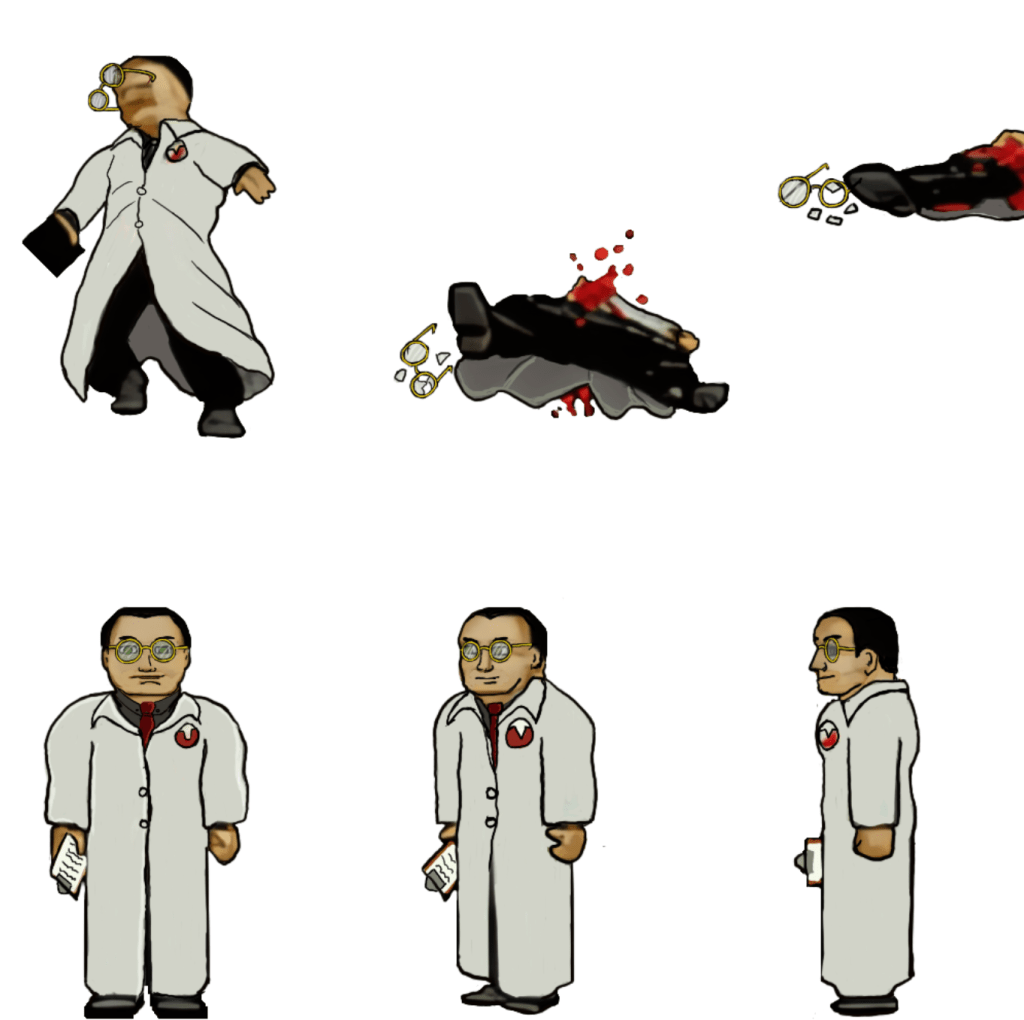
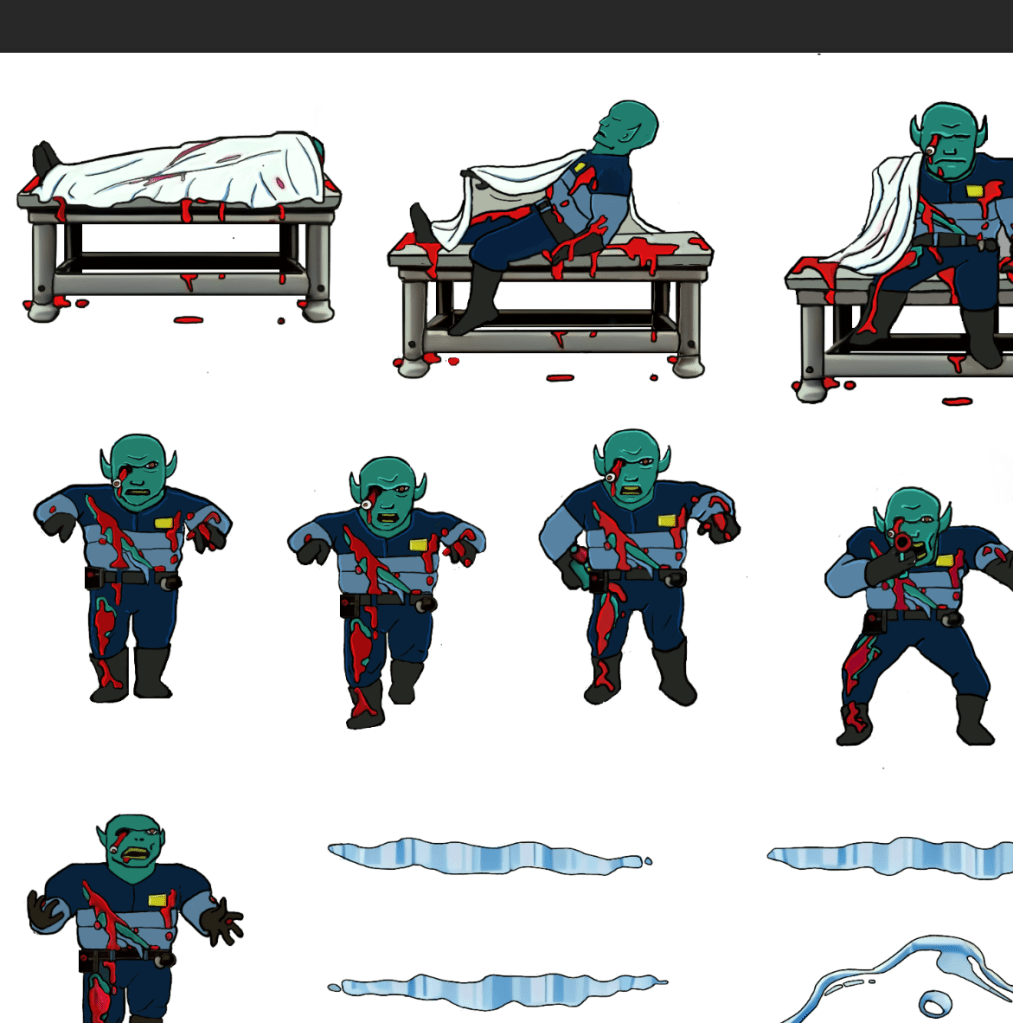
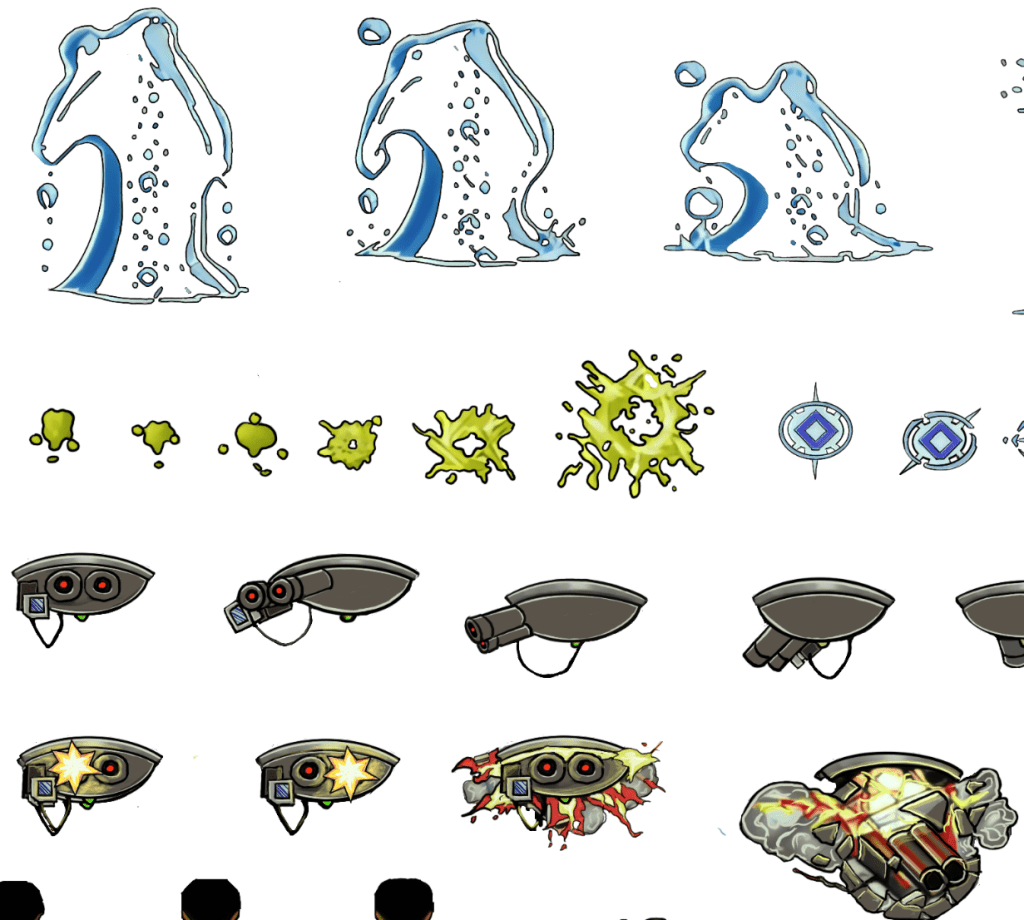
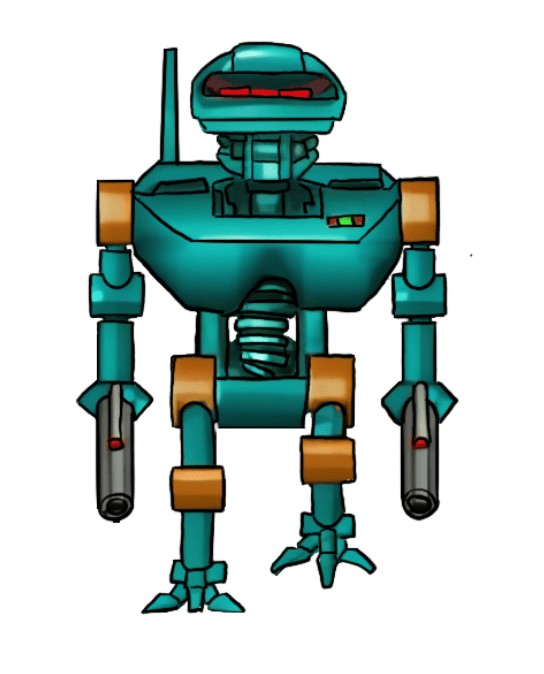
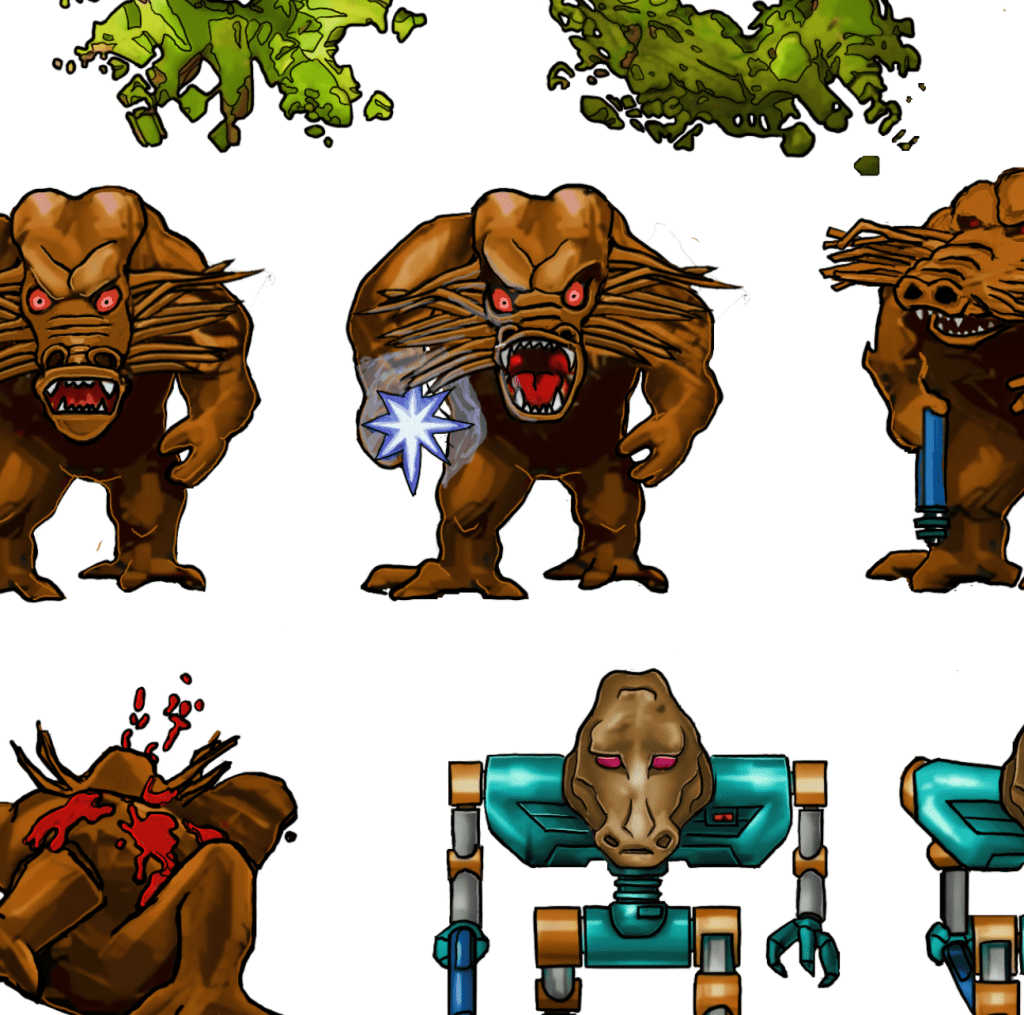
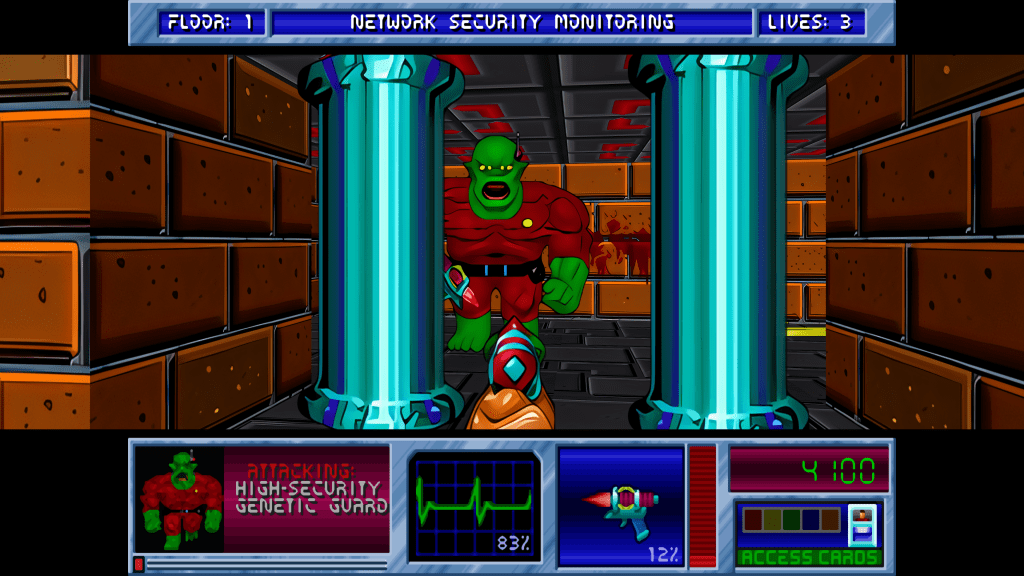
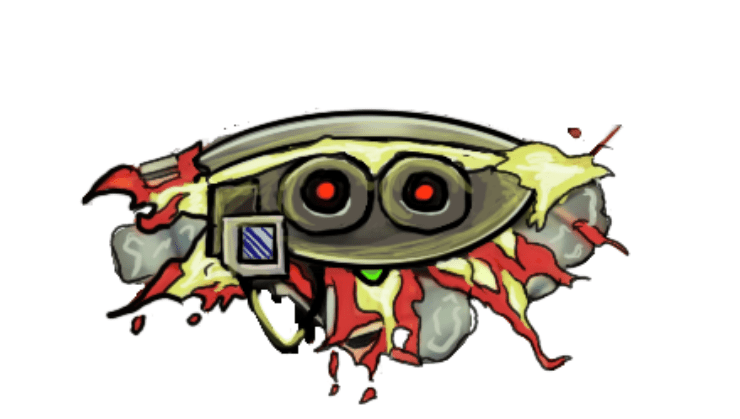
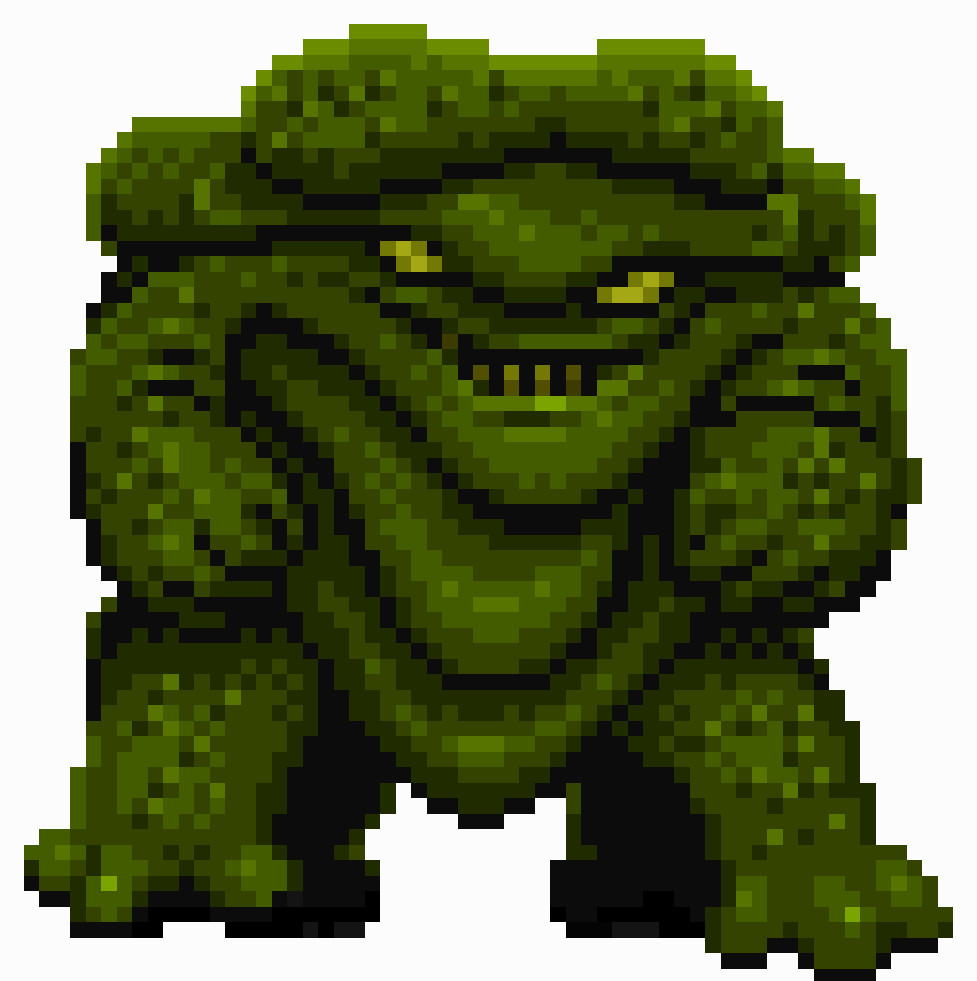
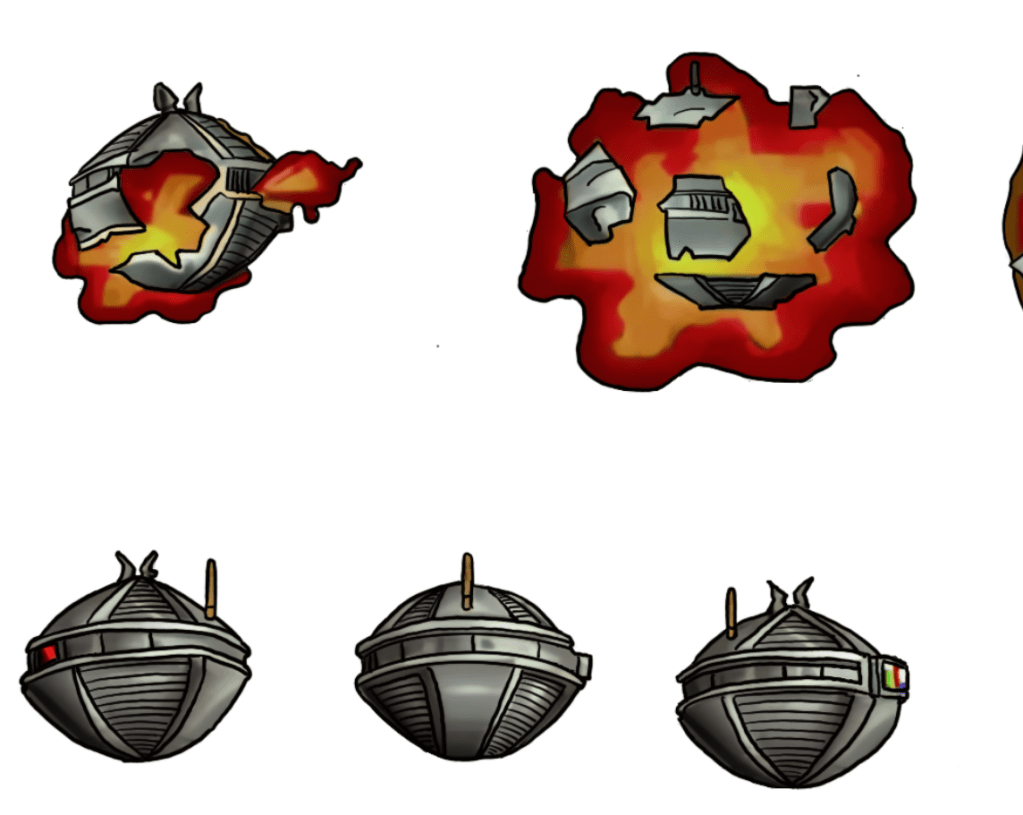
    I have been working on remastering the textures from Blakestone on and off for several years now, initially dumping and light upscaling them for ease of redesign. From there, I started hand drawing over the old textures adding detail and transforming a blurry pixel-y mess into what you see below.

    A key goal is to maintain the spirit of the original pixel art and only add detail that enhances or complements the composition.
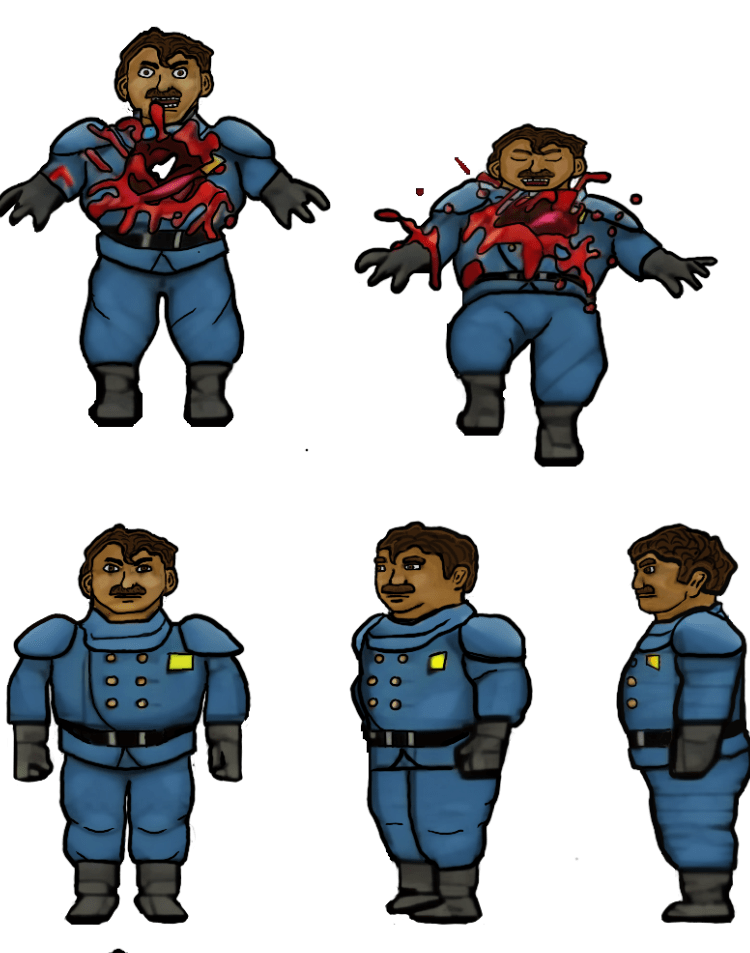
    The human NPCs are a pain in my rear

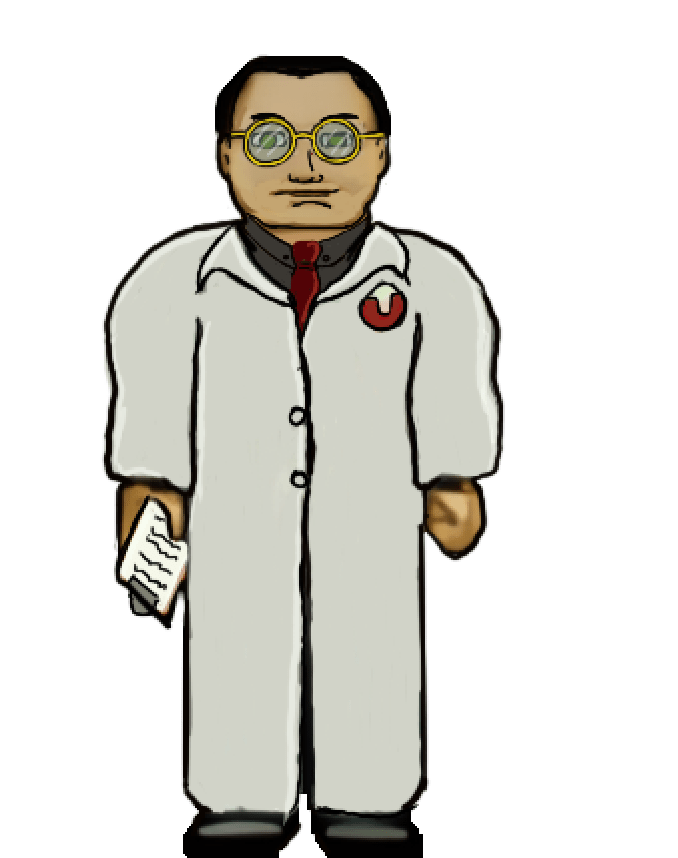
    Some of the images, such as above, are fairly straightforward and are easy to interpret for the new design. However, some of them aren’t the greatest in the original format or so low resolution that they require more creative effort to bring to life. The scientist’s face, for example, was a blobby mess that lacked defined detail in key places. I had to envision what the new one would look like and that too a lot of back and forth experimenting to get the vibe I wanted.

    Setbacks

    I do most of my work on my IPAD. I somehow corrupted a couple of my sprite sheets that I had already completed (but like a dummy hadn’t exported yet). That was about 150 completed textures (several of the monsters) of the thousand or so I’m redoing. It was a brutal motivation killer. I had to put the project aside for a while till the pain of it faded and I regained motivation.

    Now

    As with the TES Arena Depixelization Project (ADP), I’m slowing picking steam back up. I am also long overdue for a few sneak peaks. Please note, that these are still alpha. The combination of trying to keep the same shape and vibe of the amateurish looking originals and the fact that my versions are drawn on the IPAD “look” may seem slightly not ready for primetime (i.e., like a kids notebook drawings) but I have some post drawing steps to take to up the quality some more.

    SIDE NOTE: Some of these monsters are incredibly terribly designed. I wanted to change a few because of how childish they looked but decided to stick to the original version. So the goofy monsters are still goofy.

    Progress

    I have quite a bit done, most monsters have been completed or final designed. The initial security NPC is done, the scientist is 1/2 the way complete, but the other three are still pending. All miscellanceous textures are complete. The walls will be last but are the least difficult to fix.

    Enjoy

    Martin
  • ADP lives….yet again…well, technically it never died.

    THE RIGHT NOW

    Let’s just ignore the fact I haven’t posted in quite a bit (or that I started this project 13+ years ago). To be fair, I have released three other Arena mods in the meantime (more on that in the future).
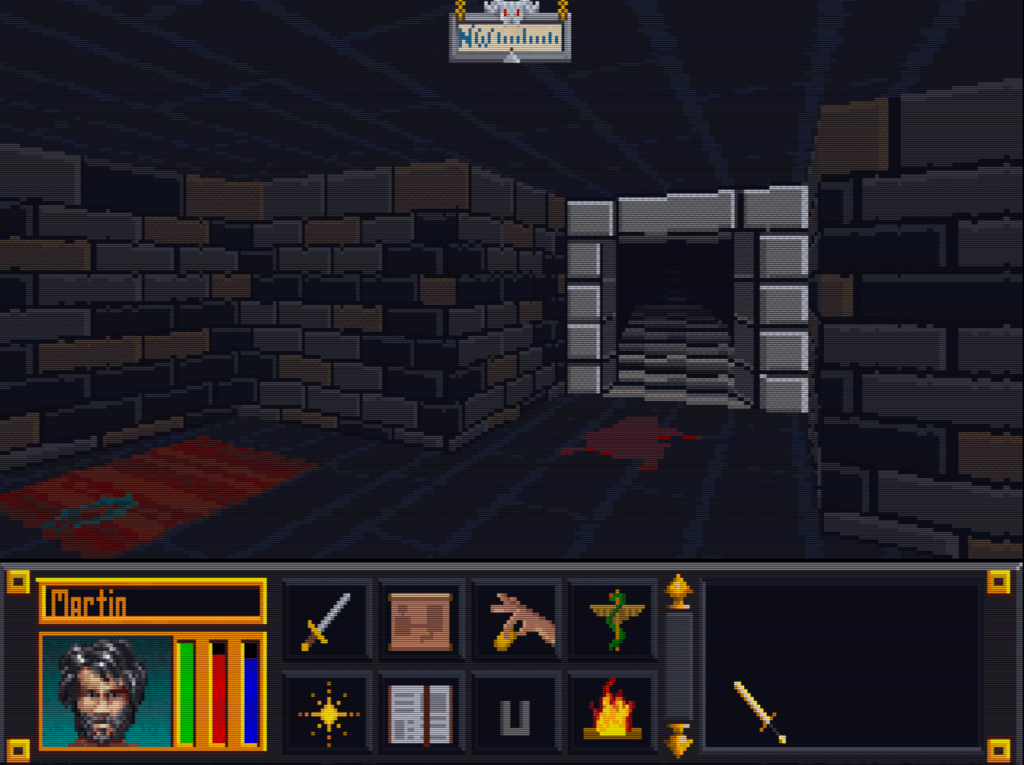
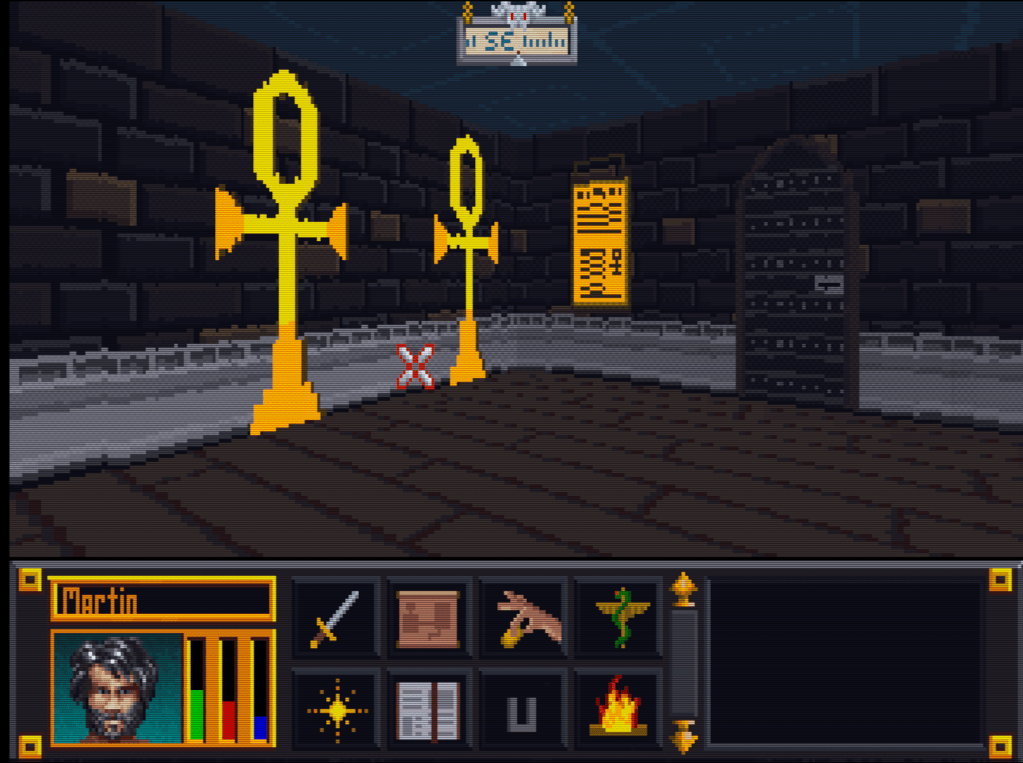
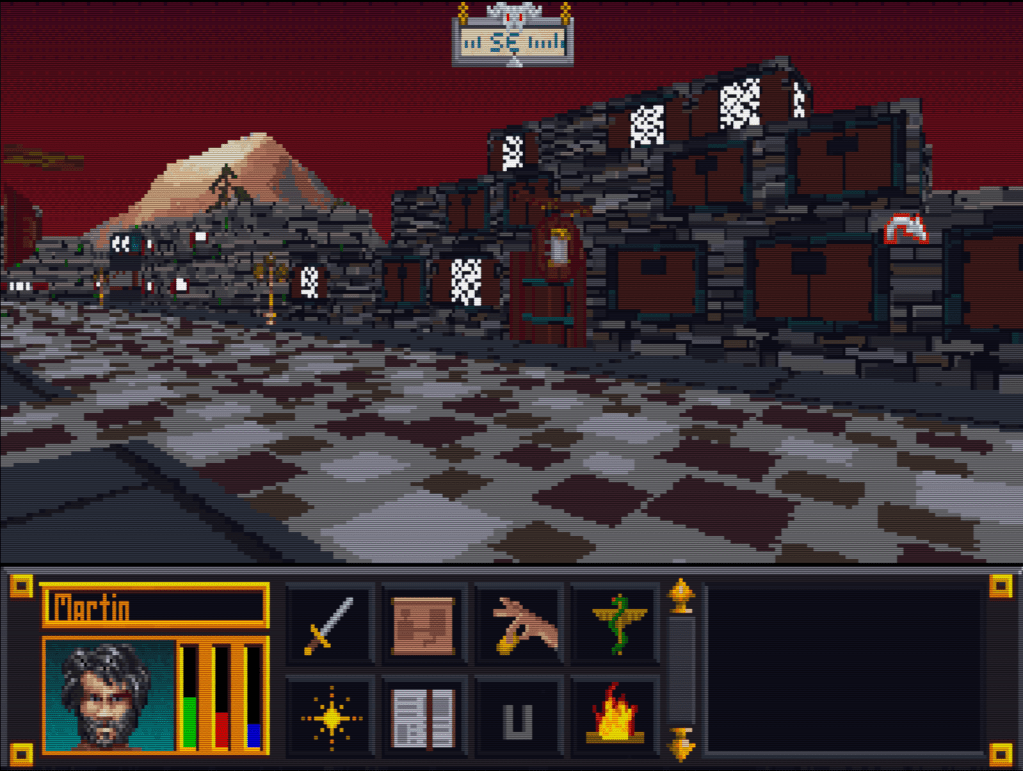
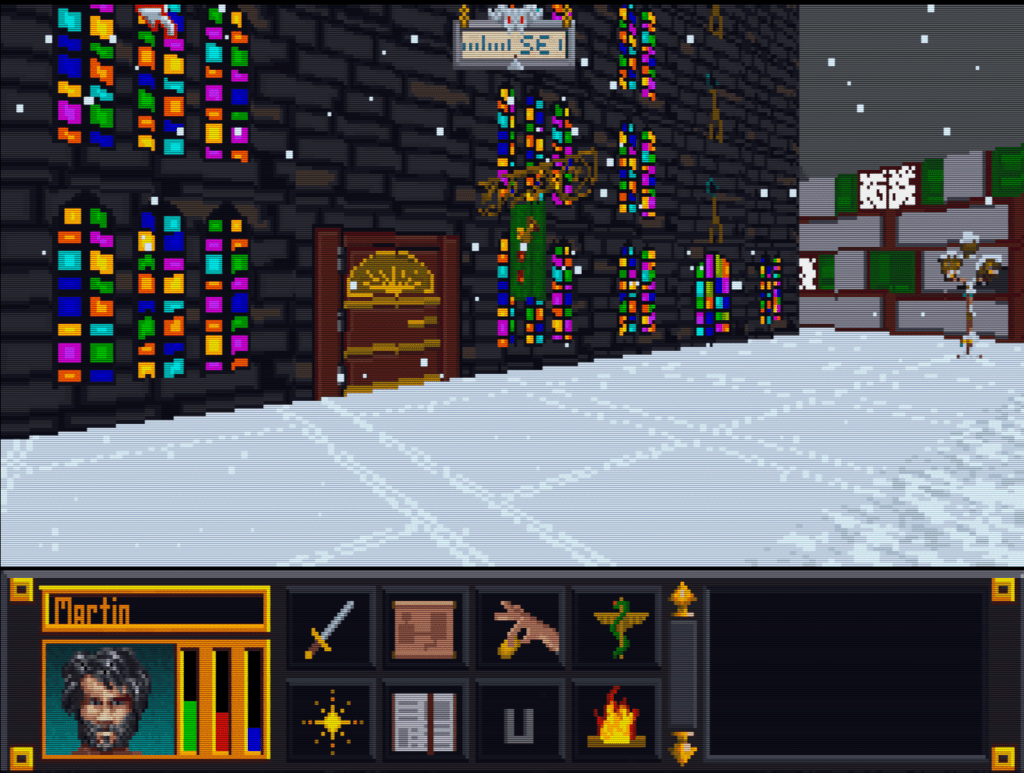
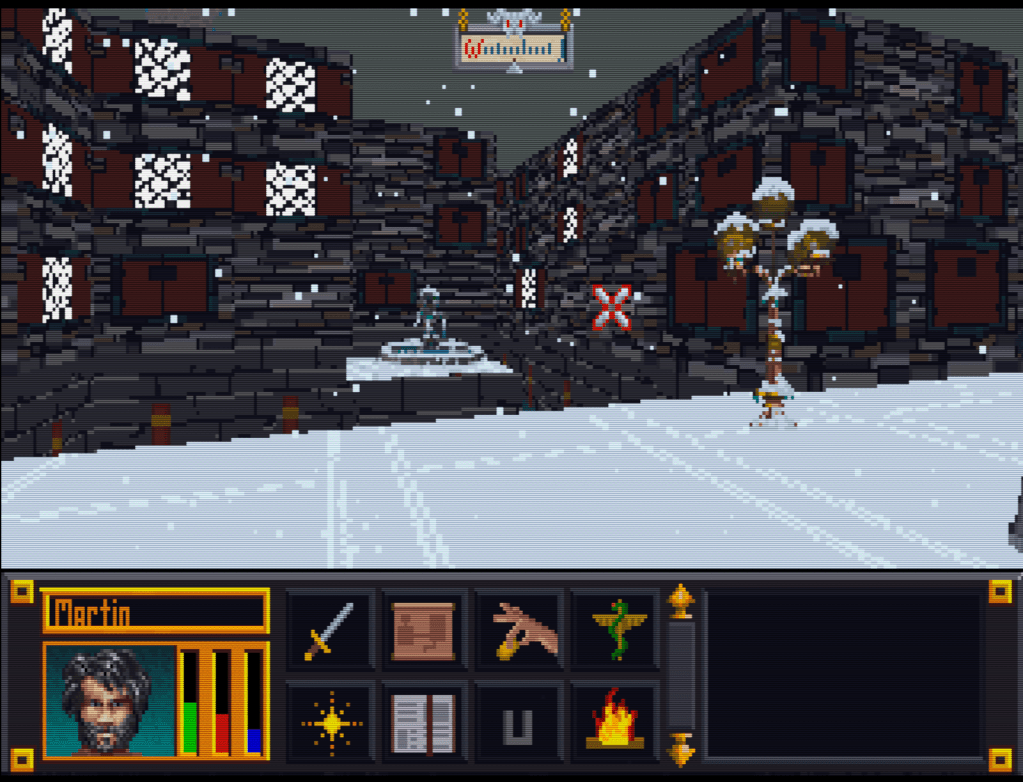
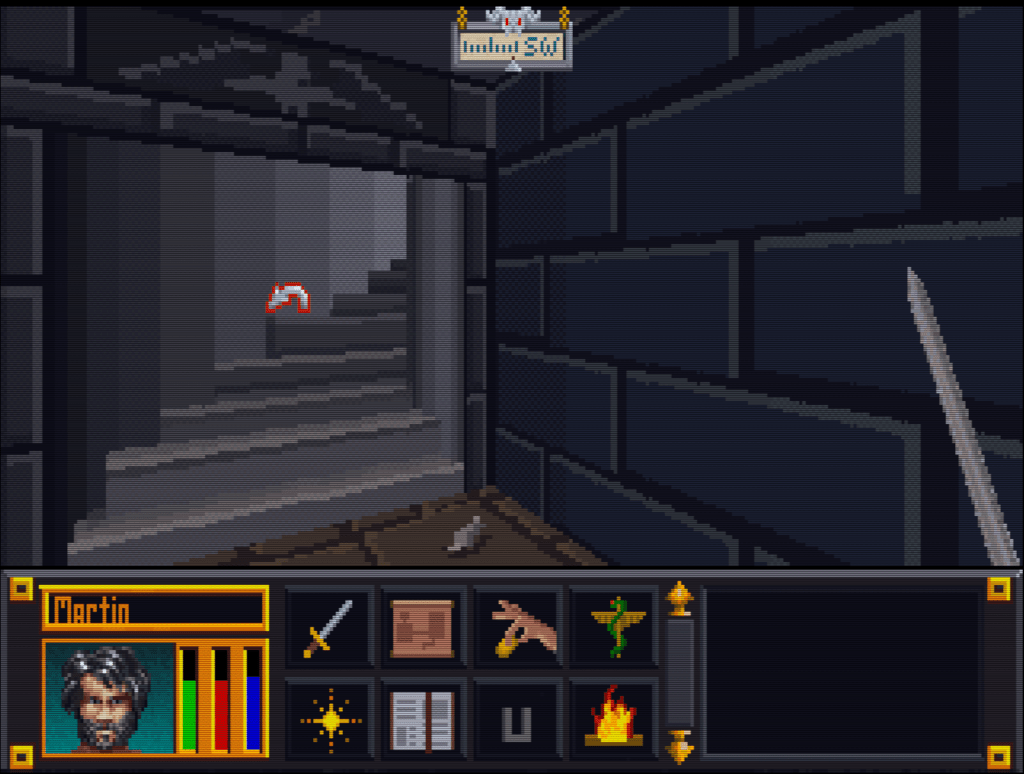
    I recently started digging back into the Arena Depixelization Project (ADP), my graphics replacement mod for The Elderscrolls: The Arena, and I have been hitting it hard.

    I’m doing a recorded playthrough looking for missed art in the game and general quality control. This has led to me not only finishing missing textures but also tweaking (and sometimes overhauling) 90% of the work already done. I guess over 13 years of game art fiddling has matured my style slightly.

    THE SWAMP

    I first had to corral all my work over the last decade+. I had 7 different versions saved through the year and some files went missing so I had to extract them all compare and then pull any missing forward. This project was quite a mess (no file discipline at all, the shame). Then I had to relearn the tools, but that didn’t take too long. Then I created a new working directory and archived all the rest to clean up my sloppy work.

    In just 2 weeks, I have probably edited almost 100 textures already. As I record my playthrough, I save when a missing (or ugly/mismatch) texture is found and either fix it ASAP or catalog a bunch at once to do in a surge.

    GALLERY

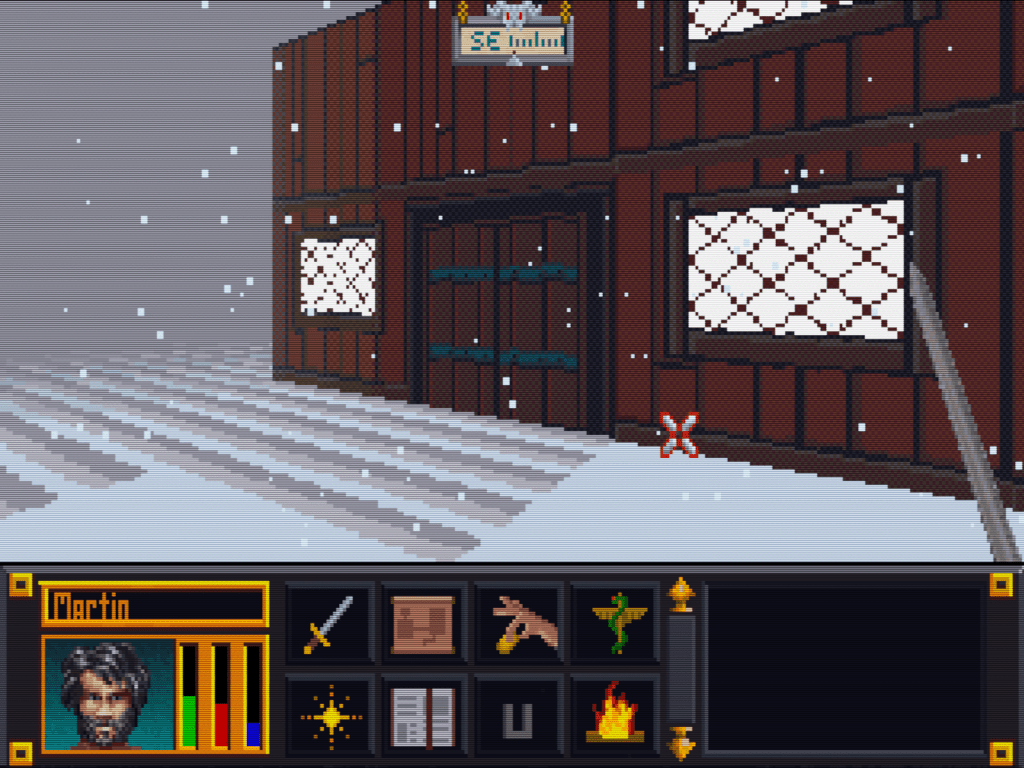
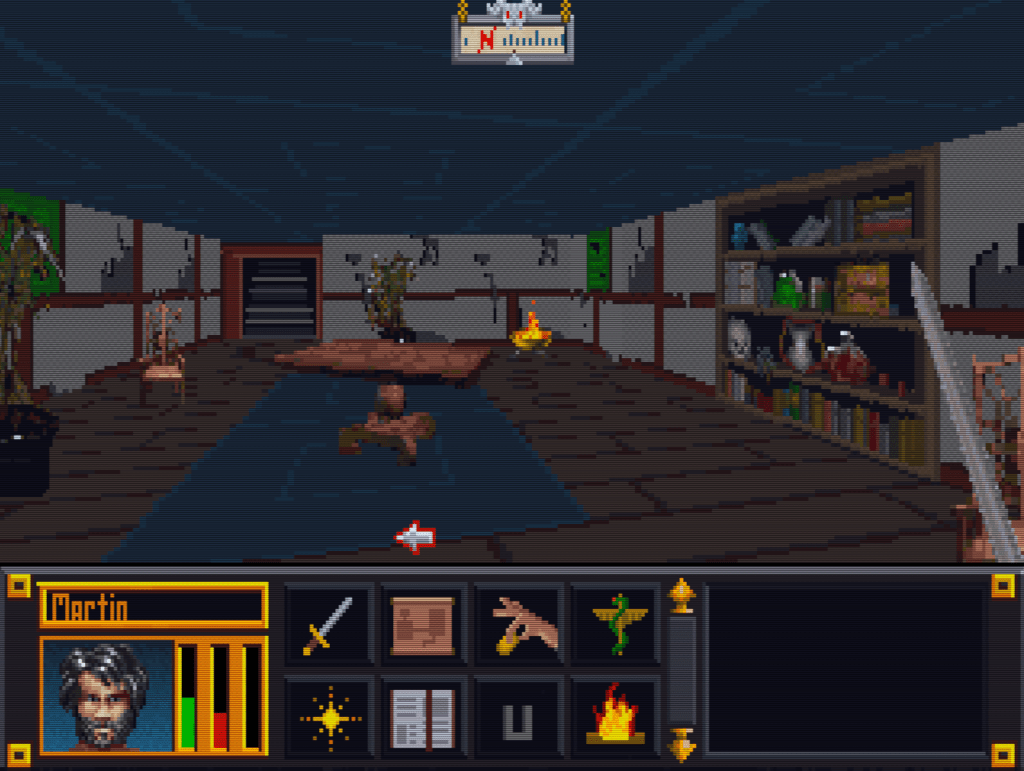
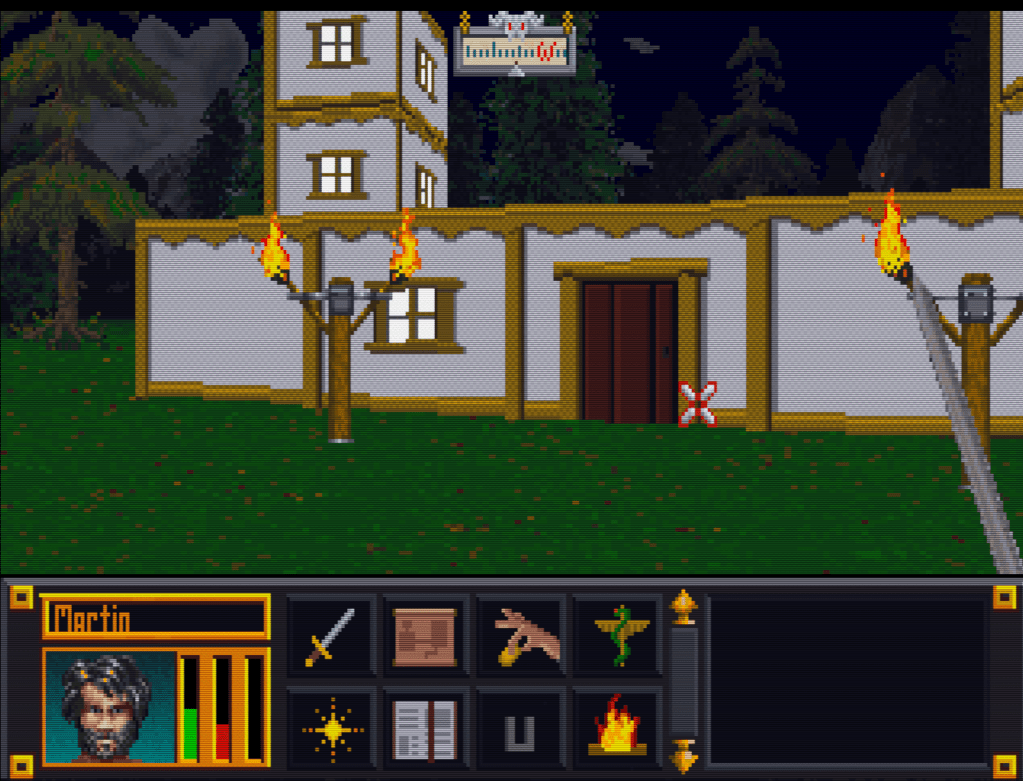
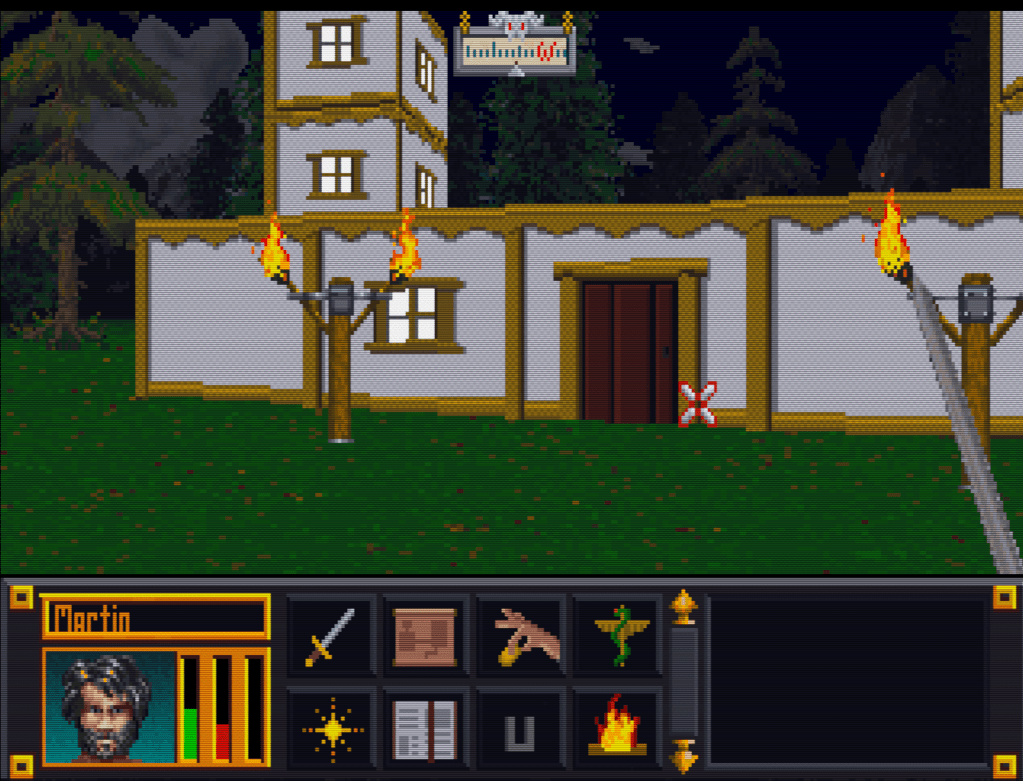
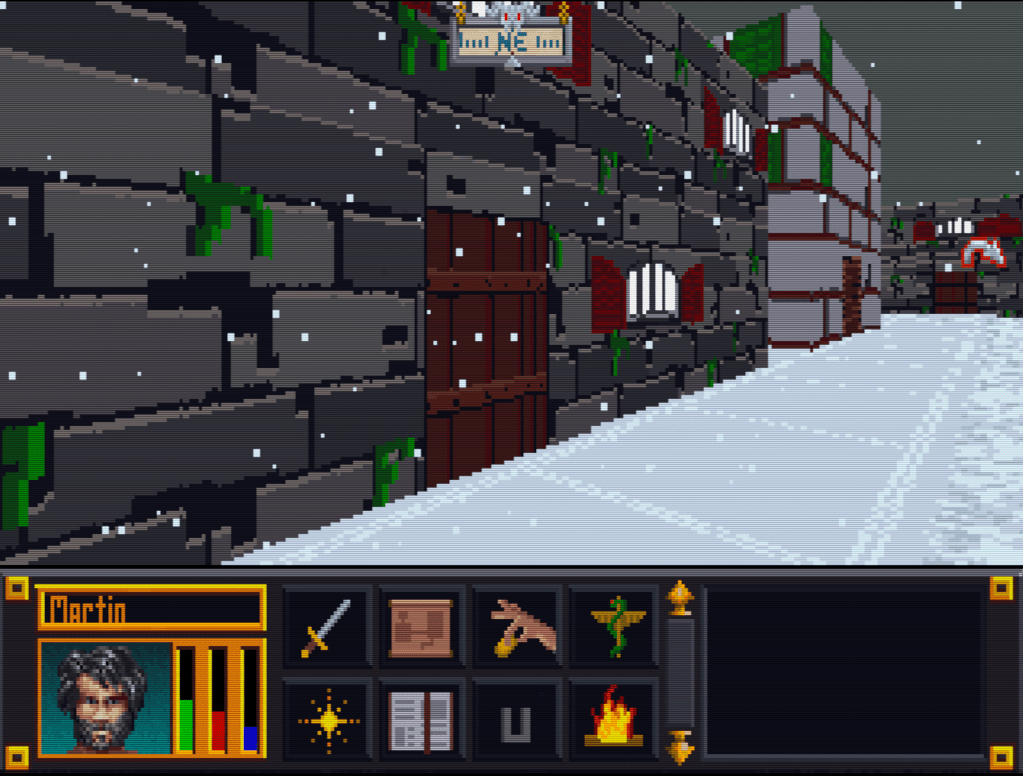
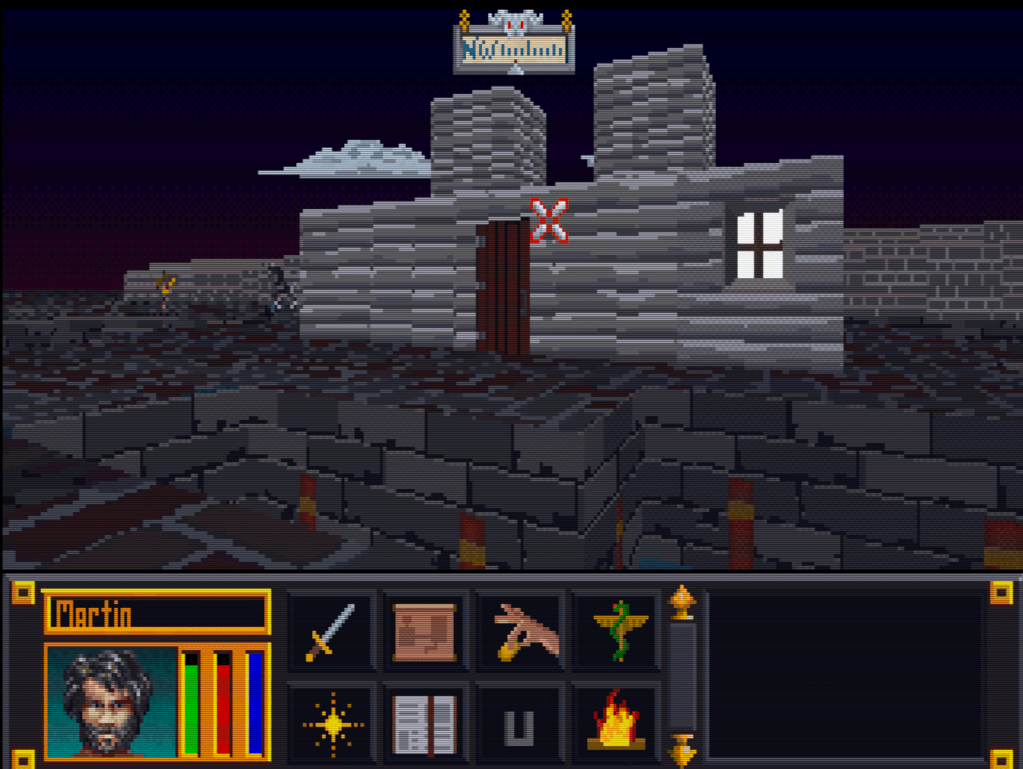
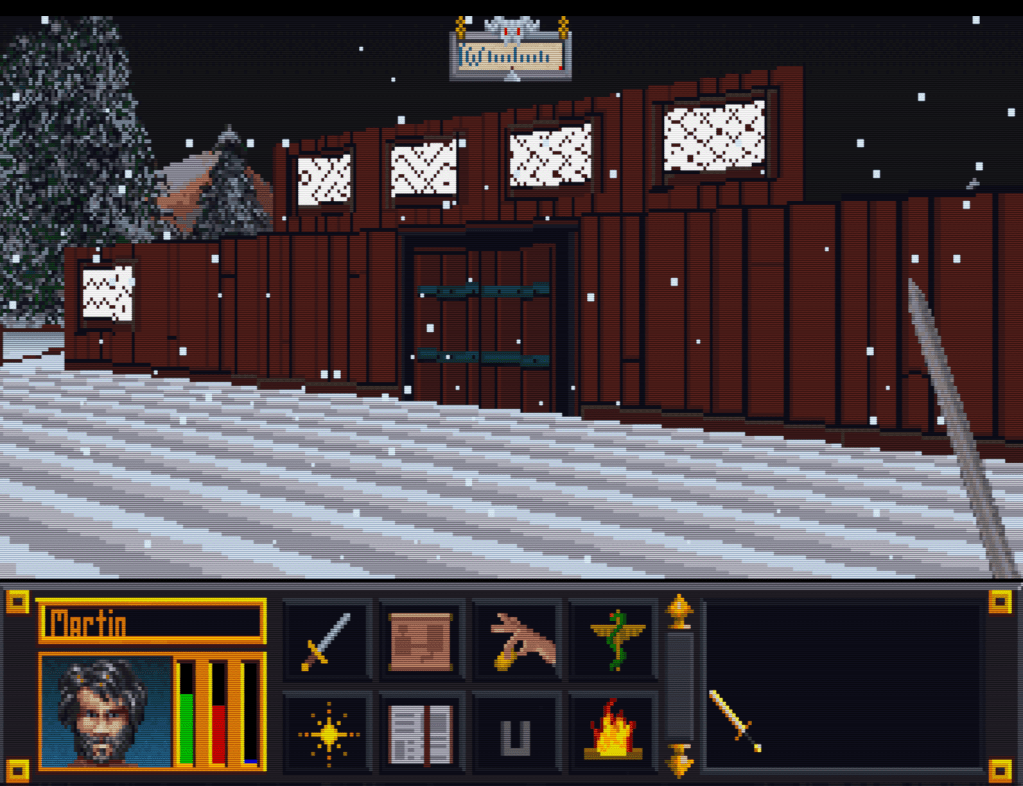
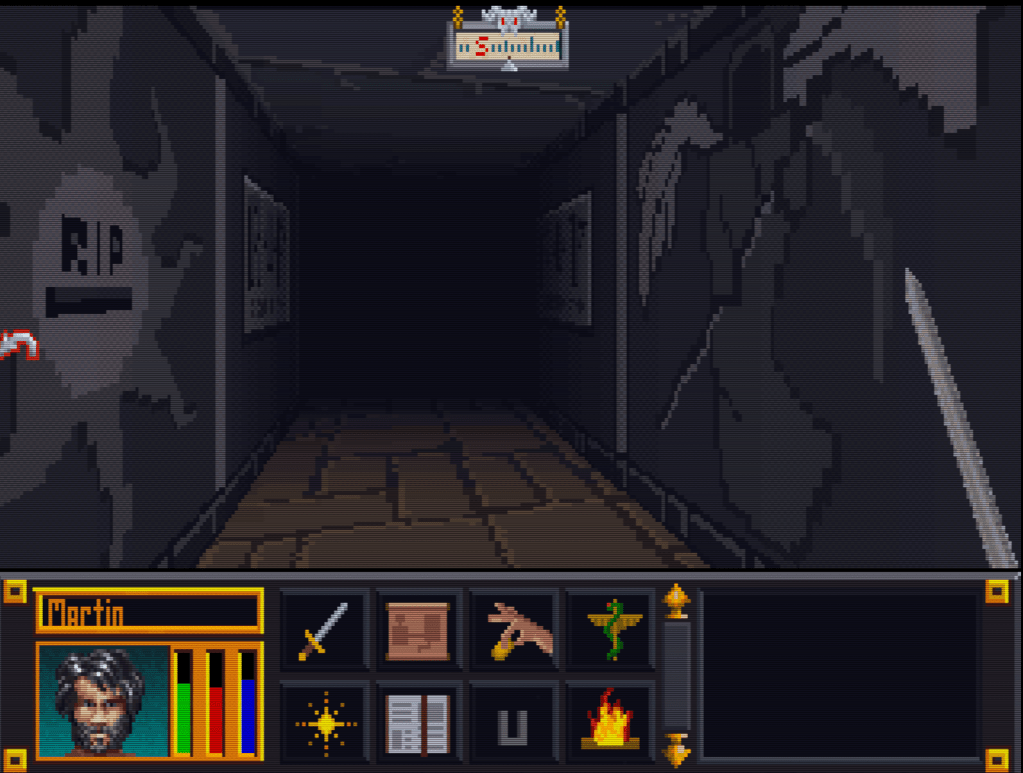
    Here’s a slew of screenshots I made from the most recent version.

  • “Extracting art from Blake Stone” is not a very funny title (Part 2)

    “Extracting art from Blake Stone” is not a very funny title (Part 2)

    Collecting Pixels

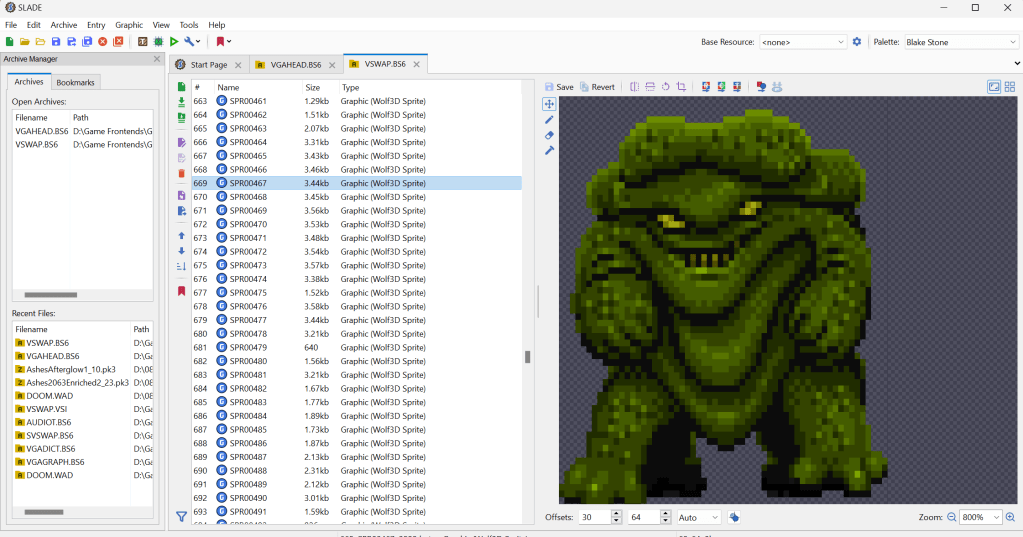
    Step one is figuring out how the game stores the art files (textures). Normally what I do is check for the largest files, as they are usually the texture and/or sound archive. However, with Blake Stone, I knew that this game used Wolfenstein 3d-style archives. Blake Stone’s format was slightly different and used the extension BS6. But it was close enough that Slade, a popular tool for actual Doom and Wolf3D games, worked perfectly to extract the files.

    FUN NOTE: I started this many months ago. I JUST noticed that BStone has a command-line option to extract textures. #facepalm #hashtags #DOH

    You may call me…”Tim…er… I mean SPRITE”

    The BStone program looks in the “aog” folder for any textures (Planet Stike has it’s own folder, “ps”). If it finds a texture there, it will use that texture instead of the original. Unfortunately, BStone only supports sprite and wall files. That means some elements can’t be replaced currently (mostly UI and cut scenes). For Blake Stone: Aliens of Gold, there are 1017 sprite and wall textures but there isn’t a folder structure. They all just go into that one folder which makes it easier to manage.

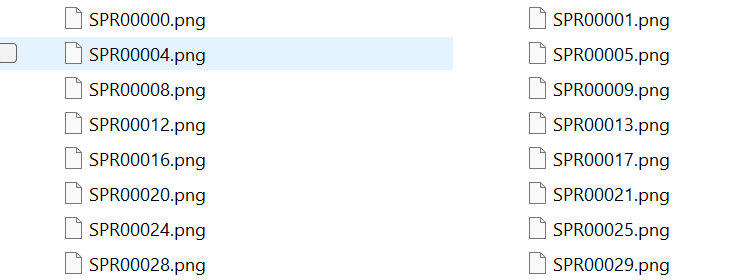
    I extracted all textures to a working folder and hit it with a quick and dirty upscale so I could check how it works in-game. After dumping them into the “aog” folder, I booted BStone and enabled “External Textures” in the option menu. It didn’t work. Turns out that the extracted files were names were very slightly misnamed when extracted (SPR instead of SPRITE, etc.). It was easy enough to fix with a utility called Bulk File Renamer. A quick touch up and I reloaded BStone to see if that fixed it.

    Stretching them on the rack (by rack I mean in Photoshop)

    It worked…sort of. The textures were definitely upscaled but many of them looked squished (skinnier than normal). Quick glance at the readme revealed that rendering of sprites was not 1 for 1 in-game.

    After a little experimenting, I realized that every texture just needed to be perfectly square. Maybe the extraction method was flawed, not sure. To fix it, I just made a quick macro on my Logitech keyboard (frequently my savior for repetitive tasks), dumped 100 or so textures on photoshop and ran the macro (it resized the canvases to be 64×64, saved and then closed the file). I just needed to hold down the macro button and let it work through each file. After finishing all 1017 textures, I saved a backup for the inevitable time I make a drastic mistake. (I will share the reformatted originals when I get around to doing Planet Strike)

    Up next time…..Version 1 of my Blake Stone HD texture mod

  • Wait! I’m upscaling a 1993 game?! (Part 1)

    Its more an obsession at this point

    I have a weakness for mucking around trying to create HD art packs for games. The bulk of them don’t get completed, partially for technical reasons, but sometimes because something else catches my eye. Others are technically “done” but just aren’t up to my personal release standards. I can’t help it and my ADD frenzy usually kicks off when I see low resolution or blurry artwork in a game. Blake Stone by Apogee is a perfect example of that. I am not the biggest fan of pixel art, so it was an ideal candidate to be upscaled.

    I forgot it even existed

    I should note that before this, I never played Blake Stone or even remotely desired to play it. I had barely even remembered it because Doom overshadowed everything at that time. But I stumbled upon a source port for the game. The project called BStone, an open source port for Blake Stone: Aliens of Gold and the Planet Strike sequel, is a windows port for the DOS game.

    Wait it does what?!

    As I love game engine ports because they usually bring features and Quality of Life improvement to older games, I couldn’t resist checking it out. A quick search revealed that I actually owned both games on the GOG platform (I have over 2000 games…so….whoops). So using the BStone, I gave the loaded up Aliens of Gold. While tweaking the settings, I saw a few interesting options. First, you could use image filters which are OK but tend to just make the game look blurry to me. Second, the “upscale filter” applies an XBR filter that looks pretty nice for what it does, however there are limitation to how good pixel art can look that way. Last, there was an option to turn on “External textures” and…the fuse was lit. I knew that by just “merely” replacing the images, I could make the game look so much better and my obsession was triggered.