I made a lot of progress on the SET files and a few of the image files. However, I have decided to not count the files as often so as not to distract from getting work done. The Surface Pro has really allowed me to capitalize on downtime away from the main computer. So when I just want to sit with the family while they watch a show, I can work on more art files for the game. I’m trying to complete most of the simpler defined (and geometric) sets first since they require less “artistic license” to complete but every now and then I tackle a more difficult one (e.g. sand, gravel, swirly designs, etc.)
Not so easy
Easy
Bookshelf
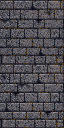
So far the most involved SET file has been the bookshelf ( actually 4 bookshelves in one SET). The original was awfully blurred and visually unappealing all around up close. It’s one of the more obvious examples of artwork that was created at a higher resolution and then downsized (sampled?) to fit the game engines format and palette. I have been working on it on and off between other images for 2 weeks now and have finally finished. As with all my textures, I hope to retain some of the character while “cleaning” up the image or adding a more artistic appeal (you’ll need to click on the photos for a better view of the difference).
Recently, Hellfire2079 updated his Elder Scrolls 1: Arena modding tools (more like suite). Since I’m about done with the vanilla Minecraft texture pack (and am burning out a little) I decided to test out the new program. Doing so reenergized me to continue on my Arena Depixelization Project (much thanks to Hellfire 2079).
Unfortunately, I soon discovered in the hiatus some of the almost 50 SET files that I had already edited went missing. After a week of scrounging through my various CDs, USB keys, and hard drives, I found all but about 1 or 2 of them (I still haven’t found the one USB key I know I put them on). Since then, I have pressed forward quite a bit and got a lot done. There still a ways to go but I feel good momentum and am able to use some of my “lessons learned” from editing Minecraft on the new textures. Currently, I’m up to 63/184 full set files and 28 (of way too many) IMG files. I added some new screenshots to the ADP screenshot gallery.
Texturing Note: One thing I have noticed about editing texture files is that game makers sometimes leave garbage files in the resource file. Often it’s just abandoned art or in some case images that were make part of a larger image (or visa versa). This strikes me as odd especially with games that originally were on floppy disk since the were space limited in the first place. I have seen it multiple times in modern games too. When I was working on Torchlight I couldn’t for the life of me find several of the textures I had recently finished. I later discovered that they weren’t used at all in game and were likely remnants from early versions.
I ran into this problem while trying to test Arena with some snow ground textures. I replaced the GLOBAL.BSA file (the file containing all the game resources) with my modded version but there would be no change in-game. After a little poking around, I discovered that the ground SET files (3 to 5 image “tiles” in a vertical line) were also IMG files as separate images (so a 3 image SET file would have 3 separate IMG files). I did some copy/paste work in GIMP to transfer each individual texture file to it’s respective IMG file. After loading, it worked as I originally planned (thus meaning the SET file was obsolete). I think they likely changed how they wanted to handle it in game so they could better mix and match ground tiles without overhead needed to load each SET file (remember SET files contain 3 to 5 tiles).
Arena SET file for ground snow
Snow Grass IMG file
Snow Road IMG file
Snow Field IMG file
Snow Bridge
Now the odd part is some of the Wall SET files are the same way in that they have a group SET file then individual IMG files, but in this case the SET files were used instead of the IMG files. For these, I think that they probably realized that the wall tiles for each SET usually were all used together so there wasn’t the need to have the separate IMG files (and may be why they didn’t break all the wall SETs into IMG files). The one IMG file that is an exception to this is the door file for each individual architecture SET as it remained only an IMG file (they have trim around the door matching the architecture style).
For me ,besides geeking out a little, all this leads to having to make sure that the SET files match any duplicate IMG files (annoying but hardly a game breaker). I may eventually release a streamlined GLOBAL.BSA if I every bother to find all the obsolete files (obviously for academic purposes since it’s not exactly a space hog).
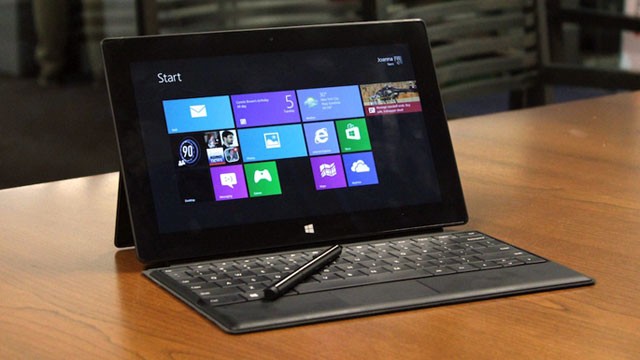
First off, the Surface Pro has proven to be a great asset for me with my very busy schedule. I have been able to take advantage of downtime much more efficiently including when away from home. The device is great for artwork on the go and since it’s a full fledged computer in a tablet size, I can run any program that runs on Windows 8 (to include GIMP). On a road trip back from a vacation, I was able to get in over 2 hours of work done on my current project. I would say it has at least doubled if not tripled the amount of time I can spend on my little “hobby”.
Microsoft Surface Pro
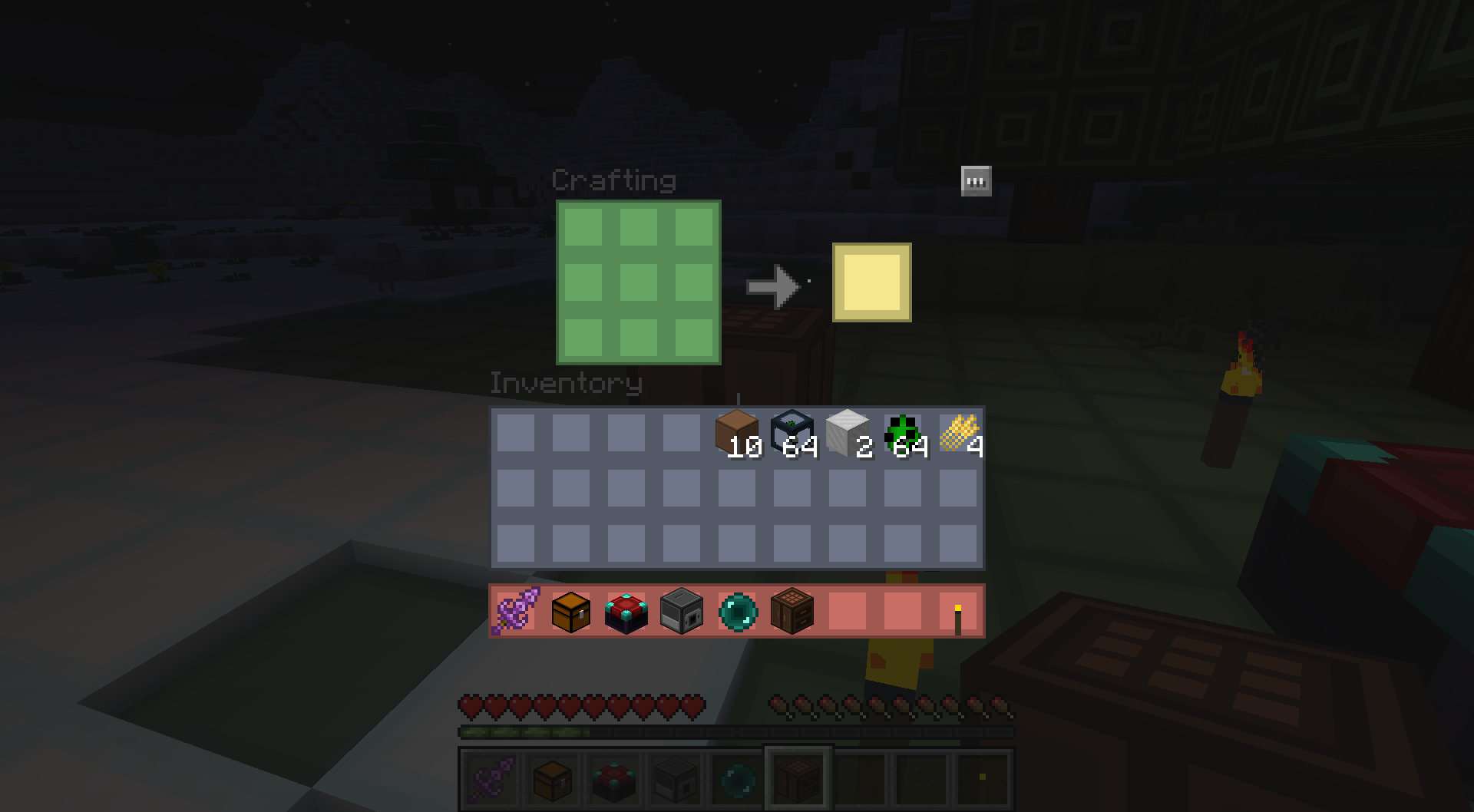
Second, I have made much progress on my minecraft art texture pack. I am calling it PinkertonCraft after the long running tradition of naming Minecraft mods…something + Craft. Currently, I have completed all of the terrain blocks, items, and almost all of the monsters (holding off on the dragon till I get inspired on how I want to do it). I have8 of the 12 GUIs textures completed (these are the menus that pop up in the game). Then I only have some icons and status pictures to update and the entire vanilla game experience will be retextured in my mod. On top of that, I have already completed quite a few major mods too so they will blend seamlessly with my texture pack.
Lastly,
Hellfire2079, an another enthusiast, has released his new iteration of his mod tools for The Elder scrolls 1: Arena.
The new program allows seamless unpacking and repacking of the games art content. On top of that, when it “unpacks” the file, it converts the files to PNG for easy editing! His old program allowed for BMP editing (which is what I used for my Arena Depixelation Project) but PNGs work fine too. When his program “repacks” all the files, it converts the PNGs back to the format the game is expecting. This may not seem like much but editing the original files is annoying and took me some time to figure out how to do (it involves opening the files in GIMP in RAW format and then using an offset AND a palette file…ugh). On top of that sound files are converted and INF (dungeon layouts) are converted to an easy .ini style layout. He also created a font editor for the program (hope to get to use that eventually). The new program is much cleaner and effective then the last one (that required importing individual files vs repack them all at once).
All of this has gotten me reenergized toward my Arena project so it’s good that my Minecraft project is nearing release state.
I have almost completed all of the original minecraft textures except the items. I have been using the website http://www.novaskin.me to edit the monster textures and only have the villagers and the end boss to go. What has greatly increased my speed is that I just got a Microsoft Surface Pro tablet/ultrabook. I have been on the lookout for a laptop or tablet that had true digitizer input such as in Wacom technology. The Surface Pro is the first such device to meet all my criteria. And to boot, it’s a full-fledged decently powerful computer. Haven’t tried GIMP on it yet but I’m very optimistic.
One thing should be obvious about my style is that I don’t like the dirty pixel-y look of both Minecraft (by design) and Arena (by necessity). A big focus for me to work within the limitations of the original art to make it more appealing to my artistic sensibilities and create a fresh look. For the monsters/animals in Minecraft, I was particularly trying to make them different. So many texture packs make them all look similar (i.e. a cow is more or less a cow) and to me, it’s not worth doing if it isn’t at least interesting (even if it’s not every ones cup of tea).
Just when I was getting to an almost releasable state, Minecraft threw a curveball. Before all the block textures were on the same image file, but after a recent update they changed it to make every block have it’s own image. Although the developer made a small program to “unstitch” or separate the images into individual images, it only works on the main game textures.
The problem with that is that all the mods are starting to adopt the same format and because of that, I will have to go and separate the images for each mod I have already done in order to make my texture pack compatible with the newest version. Ugh…
Although I haven’t been on in some time, I have been busy with the Minecraft project I mentioned awhile back. I actually completed all of the Minecraft block textures and 1/3 of the monsters. On top of that, I’ve done quite a few mods that my boys frequently use (maybe 10 or so) to include some big ones (Metallurgy, Biome-o-Plenty etc) that took more time than the original game.
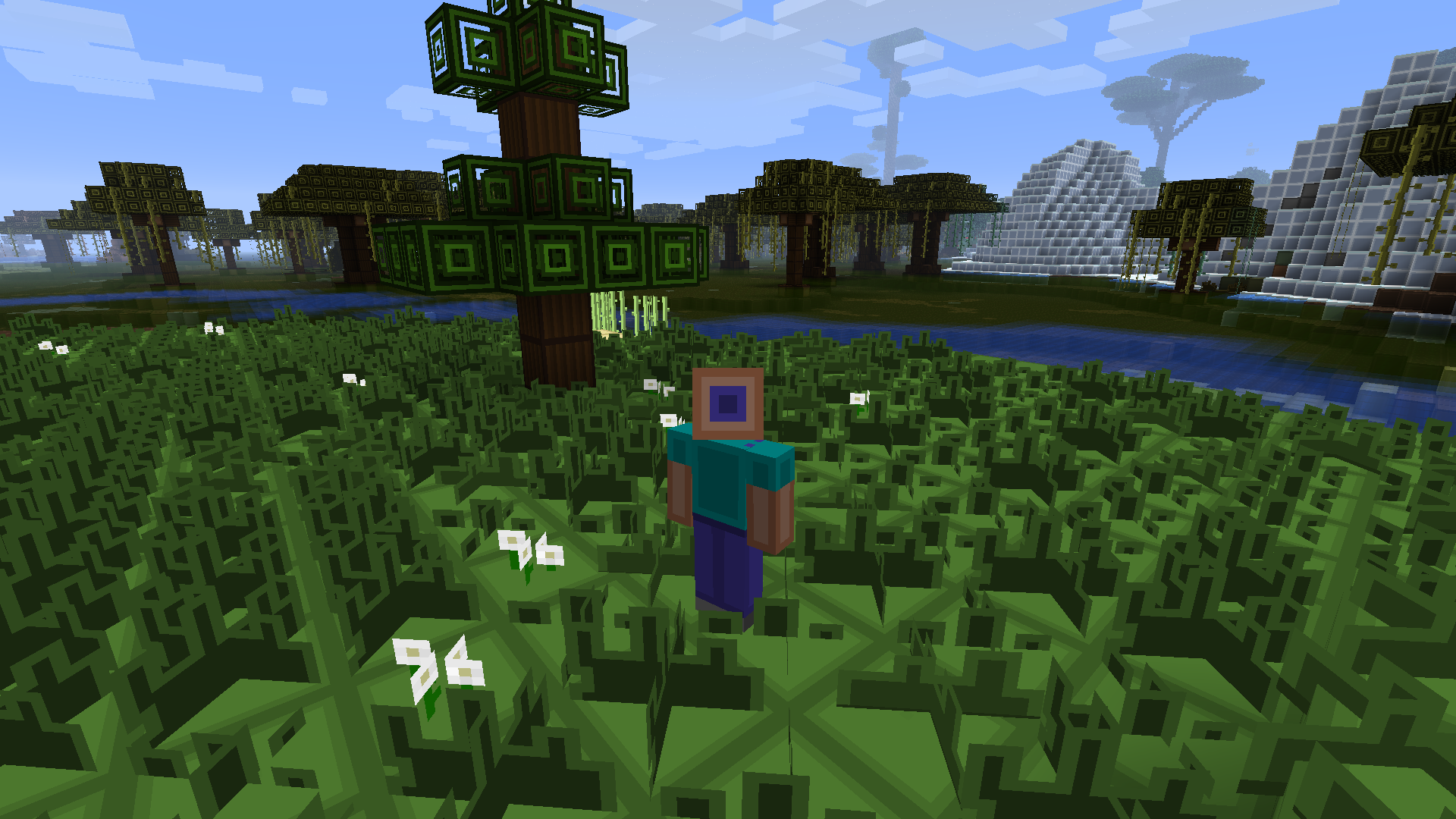
I was really interested in making Minecraft “artistically” interesting. Because of this, I didn’t feel the need to yield completely to convention and try and make the blocks “look real”. The best example is probably my takes on the leaf blocks. I spent a lot of time working and testing in-game to get this artistic effect. I haven’t release it yet because I wanted to at least 100% complete with the core Minecraft textures (I still have to do 2/3 of the monsters).
Had quite a few things on the agenda this week. On top of that minecraft has finally descended upon the household. I spent more than a few hours installing all the various mods for my boys. I did find a little time to work on my project. Even though I only got 2 sets done, I picked two more difficult sets.
Usually what I do is load the image up in GIMP and then zoom out. I try to get the feel of texture then I redo it trying to keep a link to the original image. The tricky part of textures in Arena is that they were clearly make at a higher resolution with higher color depth then downsized. The mish mash of pixelation left is barely recognizable as anything. When you add in the very low resolution of the Arena engine, it can be quite hard to look at. This is the whole reason i started this project. I hope by simplifying and redesigning them, the in game experience will be better.
I spent a good chunk of my free time in the first 5 days of the week experimenting with the file data for Arena. I spent some time researching and trying to decode image files using a hex editor and the internet. Needless to say, I was way over my head. I did find a few odd things. For one, I tried editing the .MNU files with random hex values just hoping for it to show up weird in the game but none of it had any effect. My presumption is that either I messed up the checksum (file verification) and the game defaulted to the artwork in the BSA or those files serve another purpose than image data. After researching more on the compressed images, I couldn’t get more than 8 bytes in before I couldn’t tell what was going on (the height and width are in the first eight). I read through some of WinArena’s source files (partial attempt at a remake of Arena) and saw the insane “muxing” that Bethesda did. Apparently, they pulled some crazy tricks to conserve valuable disk space. Remember this game came on a 3.5 floppy originally.
For extra giggles, I looked at the Arena executable in a hex editor (it’s only 171KBs). Turns out the executable is compressed too and like the image files decompresses realtime when launched (the compressed images are uncompressed in a similar manner). The header in the executable listed an old version of a compression software called PKLITE. I searched on the internet and found a whole page of decompressing software for dos that could decompress the executable. Just curious, I downloaded one called xtract and put it in the Arena directory. Now this is a dos tool, so I had to use Dosbox to even run it. But it worked. The file went from 171Kb to 300+Kb. Woohoo (i think). I checked it again in a hex editor and saw that I could now read all the hardcoded text strings in the file. Beyond that, I had no idea how to interpret the rest. Just to test it, I ran the game and it worked just as if it was compressed. Not sure what benefit this would bring but it’s nifty to know if anyone is every interested.
After all that, I decided to get back to what I’m better at. I am now 45 of 185 SET files done. I initially thought the low resolution 64 x 64 pixel pictures would be easy but it still takes some time to get such few blocks to look good. I spend about 1/2 to 1 1/2 hours on each individual SET file trying to get the look just right. That’s the same amount of time I spend on a single Torchlight texture! Basically, I’m editing every pixel by hand. Good thing it’s fun to me 😉
I have completed 33 of 184 image “SETS” in for Arena. Each set contains usually 2-5 “tiles”. The sets are what is used to texture walls, floors, and ceilings. That’s cover all landscaping and buildings. That still leaves “IMG” image files. Those are static objects such as barrels and trees. These come in two variants. Onces that load basically like a SET file but with only a single “tile” and meant to always be 64 x 64 pixels. The difference for the other ones is that they can be different sizes. Since they don’t have the predetermined size, that information has to be included in the file. There are alot of those. I can manually do those but the Arenamodder .95 doesn’t support it yet so it will be slower going once I get to those (unless he fixes it by then).
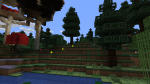
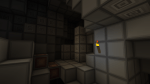
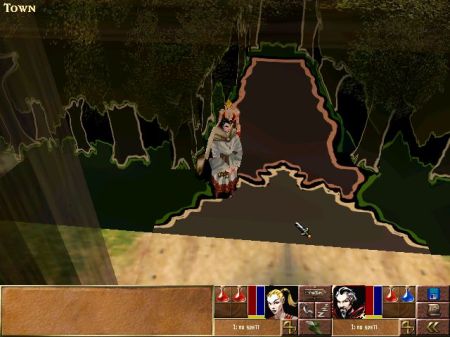
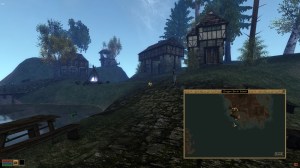
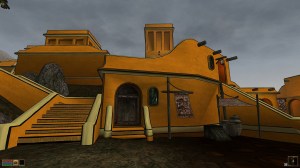
Didn’t get as much actual work done on my current project. But did make some headway organizing my previous efforts. Here are some results from my various projects (all in various states of completion).









 Art In Pinkerton