Tag: textures

  • Blakestone HD textures sneak peak

    Blakestone HD textures sneak peak

    Recap

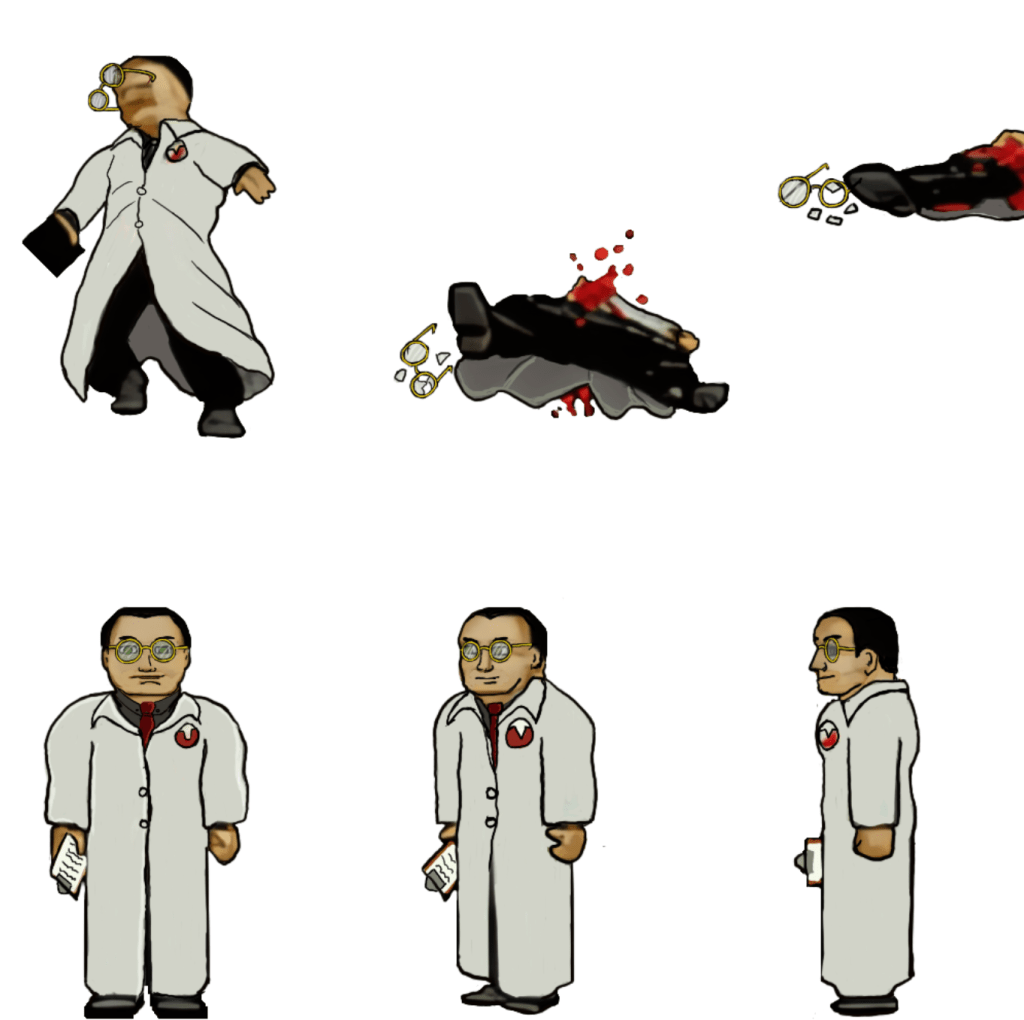
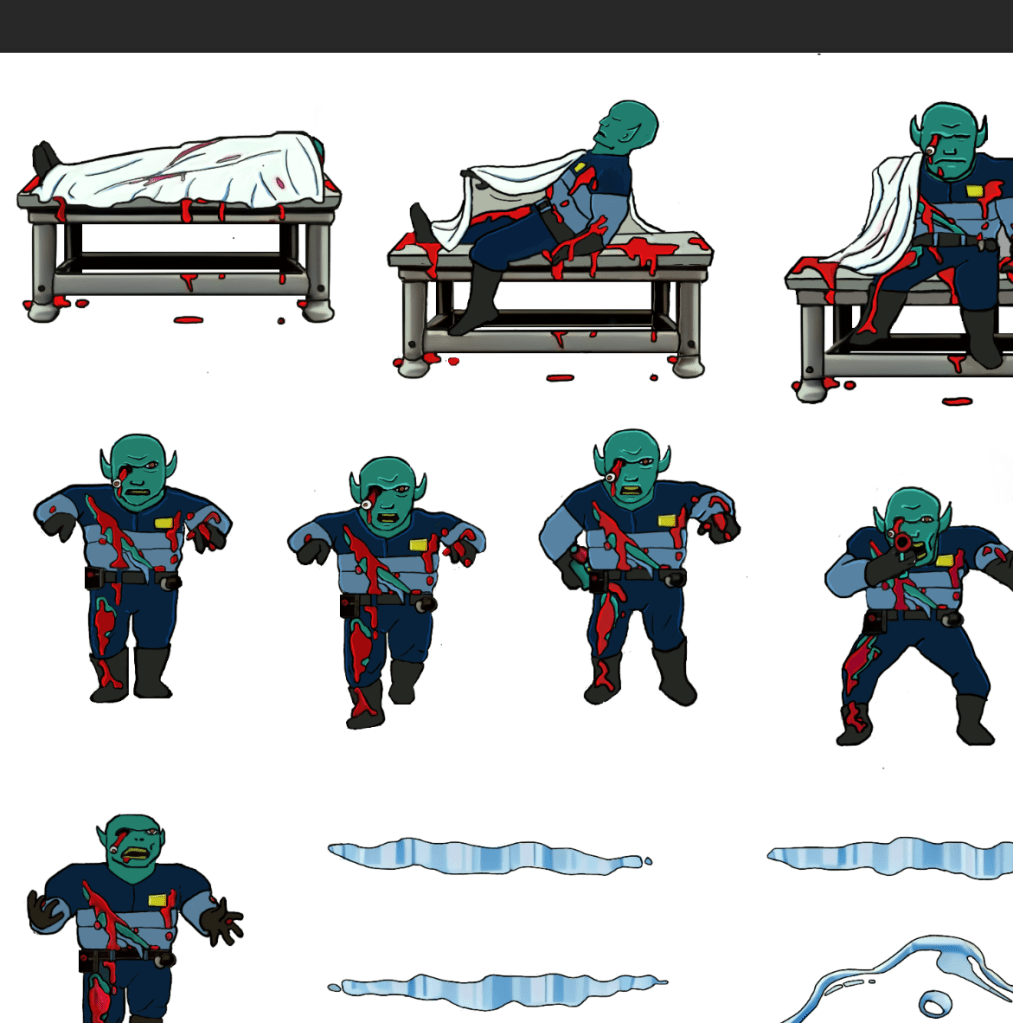
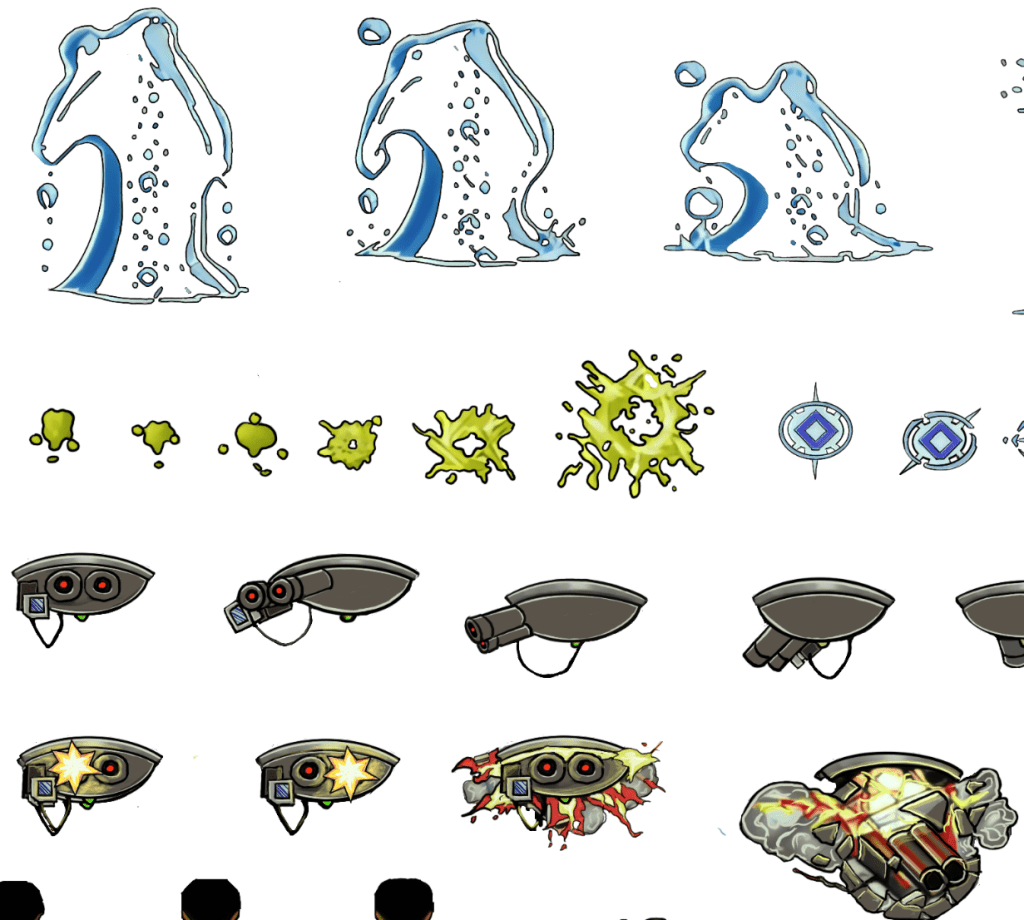
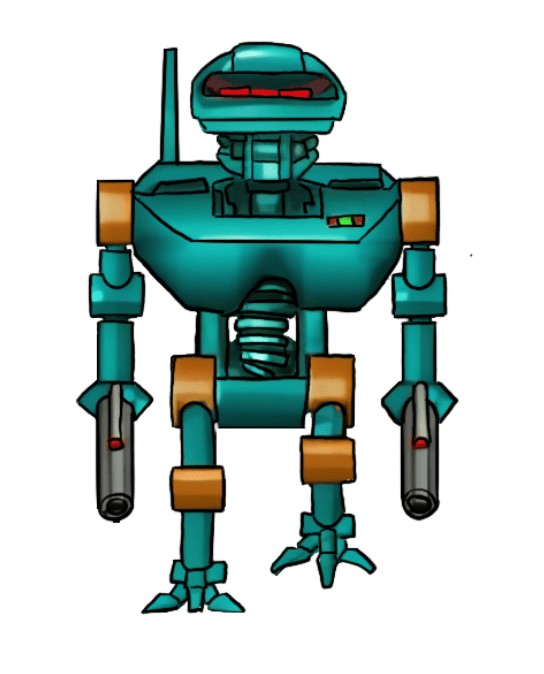
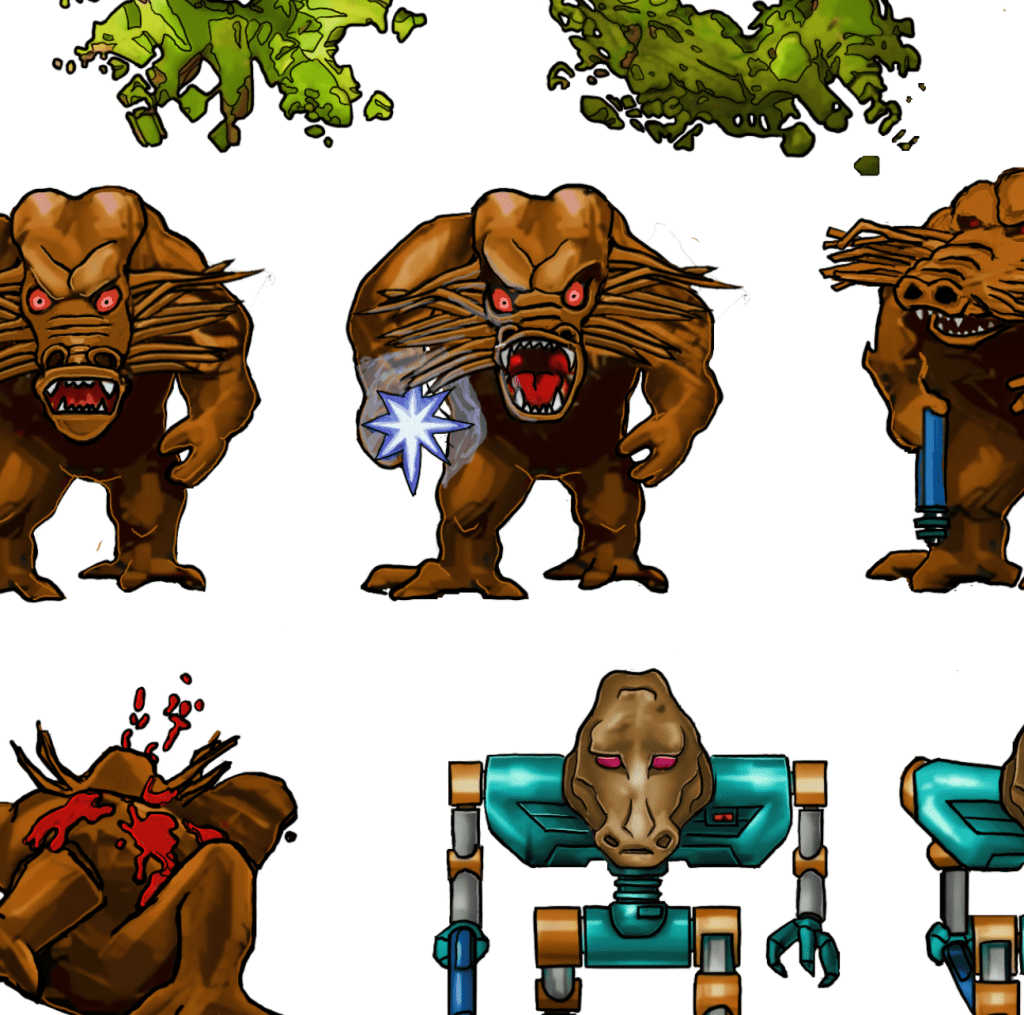
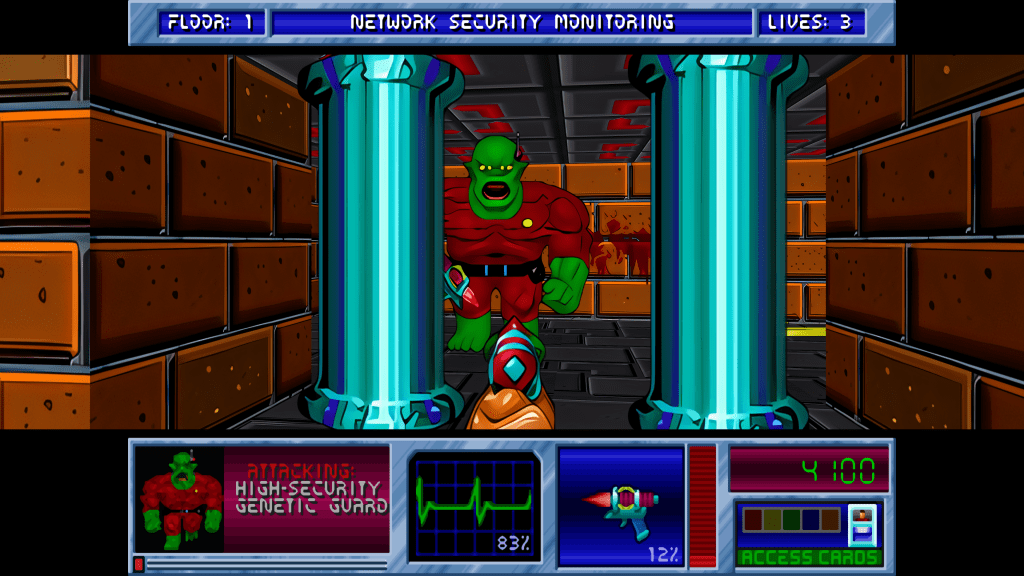
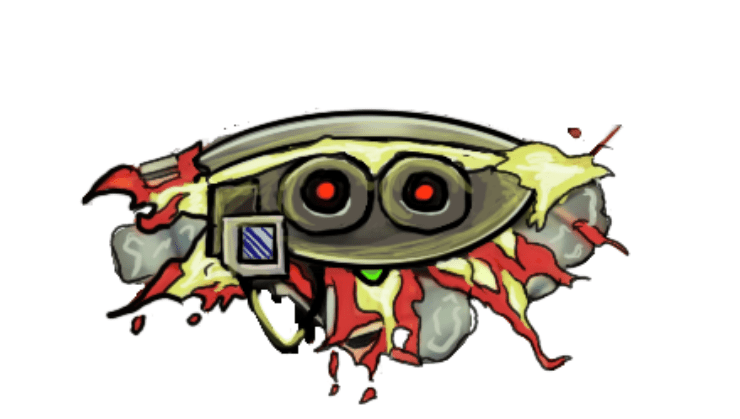
    I have been working on remastering the textures from Blakestone on and off for several years now, initially dumping and light upscaling them for ease of redesign. From there, I started hand drawing over the old textures adding detail and transforming a blurry pixel-y mess into what you see below.

    A key goal is to maintain the spirit of the original pixel art and only add detail that enhances or complements the composition.
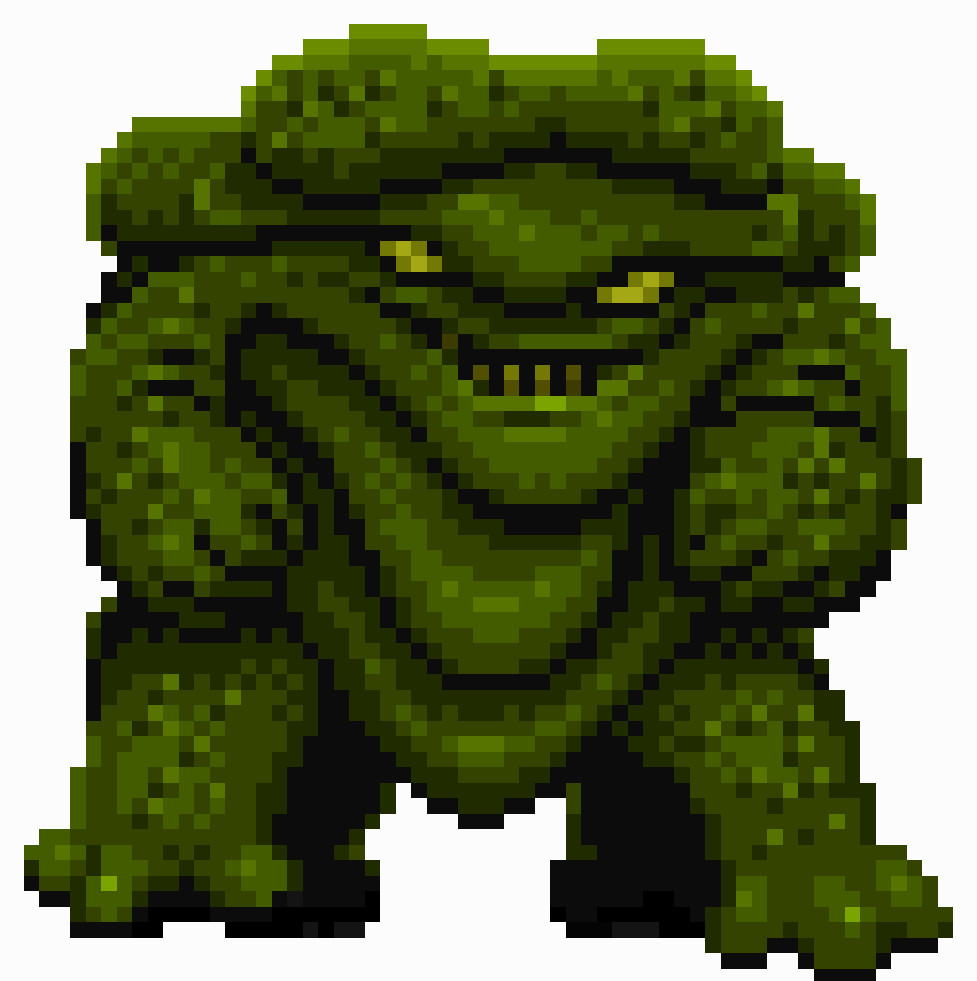
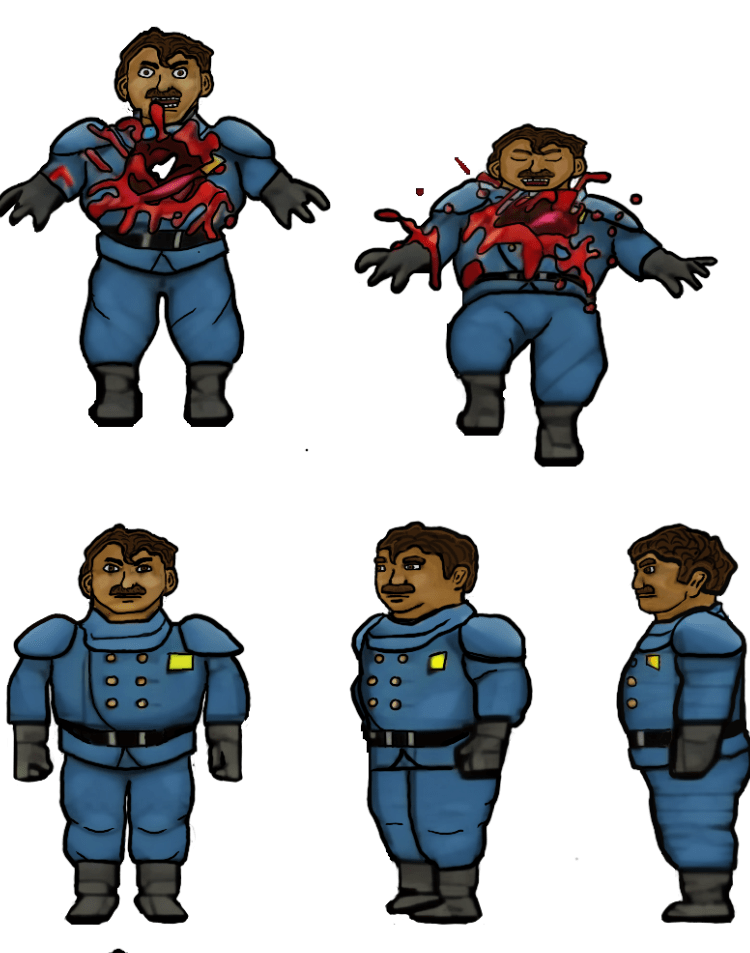
    The human NPCs are a pain in my rear

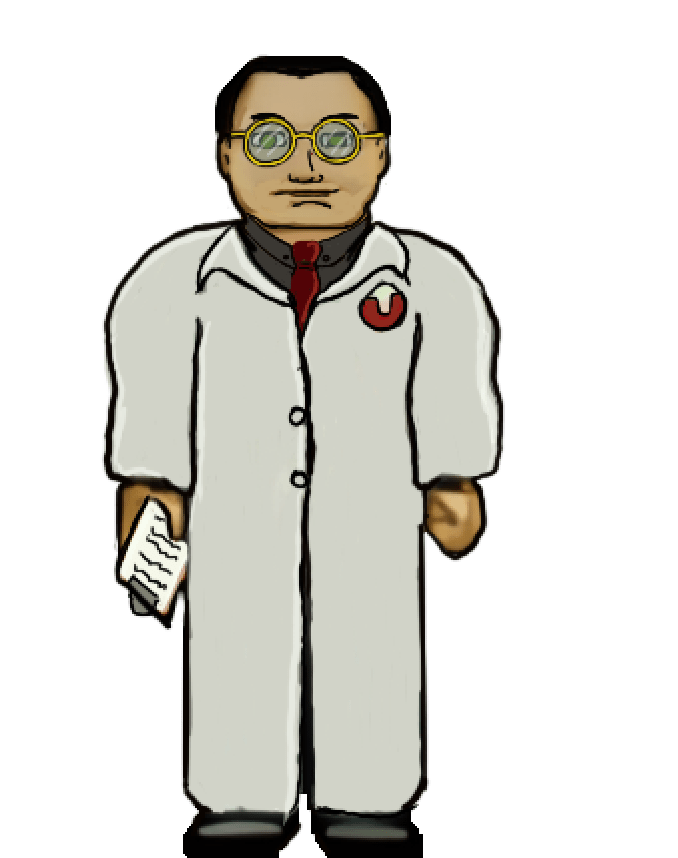
    Some of the images, such as above, are fairly straightforward and are easy to interpret for the new design. However, some of them aren’t the greatest in the original format or so low resolution that they require more creative effort to bring to life. The scientist’s face, for example, was a blobby mess that lacked defined detail in key places. I had to envision what the new one would look like and that too a lot of back and forth experimenting to get the vibe I wanted.

    Setbacks

    I do most of my work on my IPAD. I somehow corrupted a couple of my sprite sheets that I had already completed (but like a dummy hadn’t exported yet). That was about 150 completed textures (several of the monsters) of the thousand or so I’m redoing. It was a brutal motivation killer. I had to put the project aside for a while till the pain of it faded and I regained motivation.

    Now

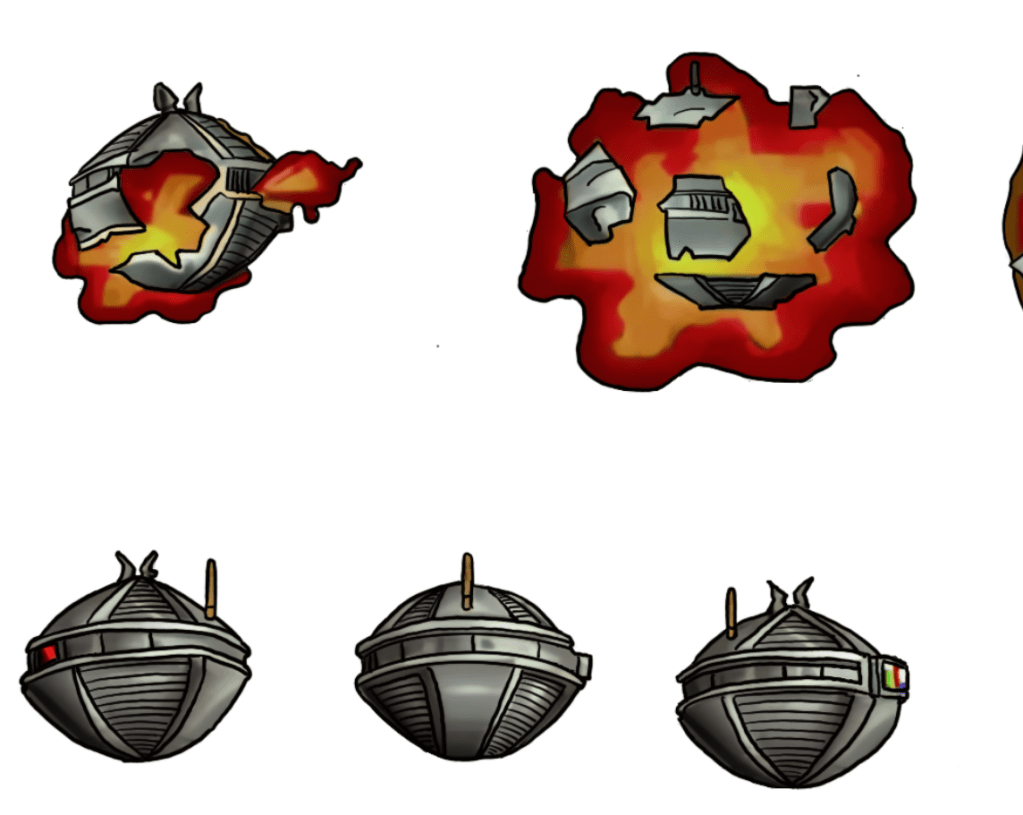
    As with the TES Arena Depixelization Project (ADP), I’m slowing picking steam back up. I am also long overdue for a few sneak peaks. Please note, that these are still alpha. The combination of trying to keep the same shape and vibe of the amateurish looking originals and the fact that my versions are drawn on the IPAD “look” may seem slightly not ready for primetime (i.e., like a kids notebook drawings) but I have some post drawing steps to take to up the quality some more.

    SIDE NOTE: Some of these monsters are incredibly terribly designed. I wanted to change a few because of how childish they looked but decided to stick to the original version. So the goofy monsters are still goofy.

    Progress

    I have quite a bit done, most monsters have been completed or final designed. The initial security NPC is done, the scientist is 1/2 the way complete, but the other three are still pending. All miscellanceous textures are complete. The walls will be last but are the least difficult to fix.

    Enjoy

    Martin
  • ADP lives….yet again…well, technically it never died.

    THE RIGHT NOW

    Let’s just ignore the fact I haven’t posted in quite a bit (or that I started this project 13+ years ago). To be fair, I have released three other Arena mods in the meantime (more on that in the future).

    I recently started digging back into the Arena Depixelization Project (ADP), my graphics replacement mod for The Elderscrolls: The Arena, and I have been hitting it hard.

    I’m doing a recorded playthrough looking for missed art in the game and general quality control. This has led to me not only finishing missing textures but also tweaking (and sometimes overhauling) 90% of the work already done. I guess over 13 years of game art fiddling has matured my style slightly.

    THE SWAMP

    I first had to corral all my work over the last decade+. I had 7 different versions saved through the year and some files went missing so I had to extract them all compare and then pull any missing forward. This project was quite a mess (no file discipline at all, the shame). Then I had to relearn the tools, but that didn’t take too long. Then I created a new working directory and archived all the rest to clean up my sloppy work.

    In just 2 weeks, I have probably edited almost 100 textures already. As I record my playthrough, I save when a missing (or ugly/mismatch) texture is found and either fix it ASAP or catalog a bunch at once to do in a surge.

    GALLERY

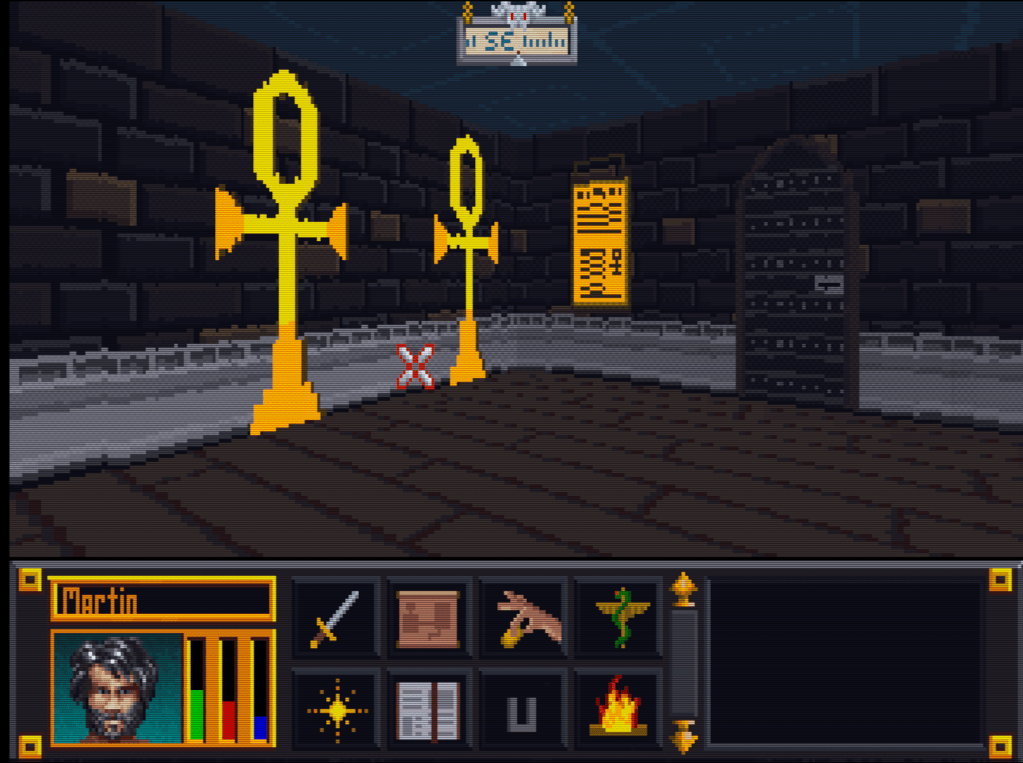
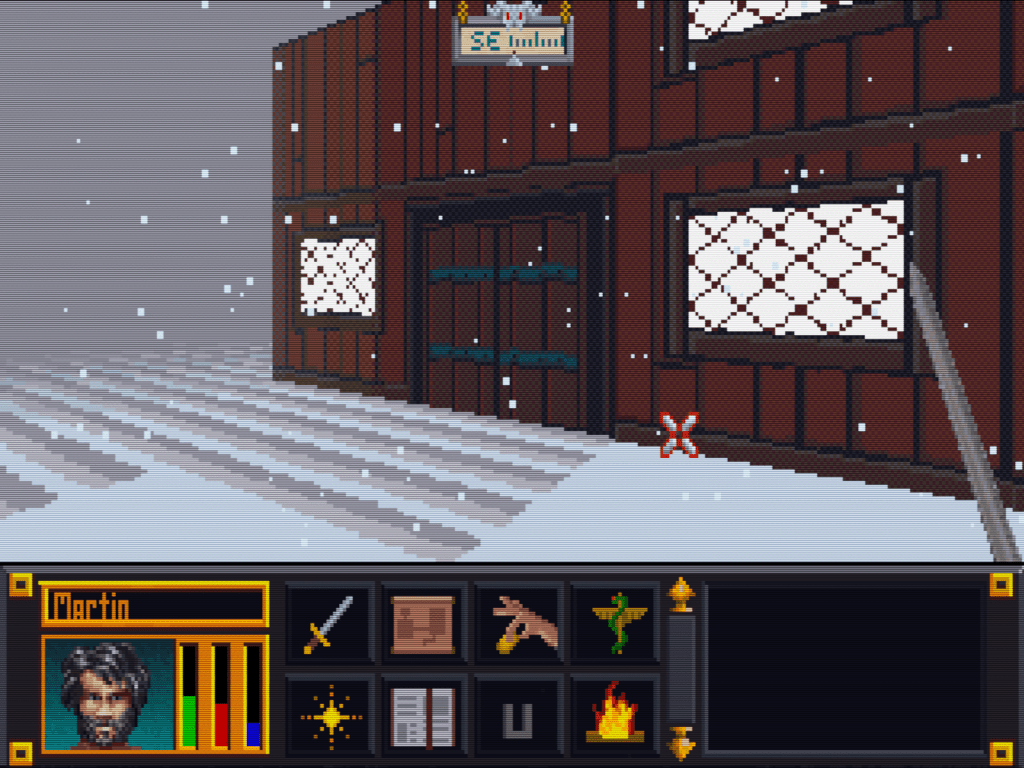
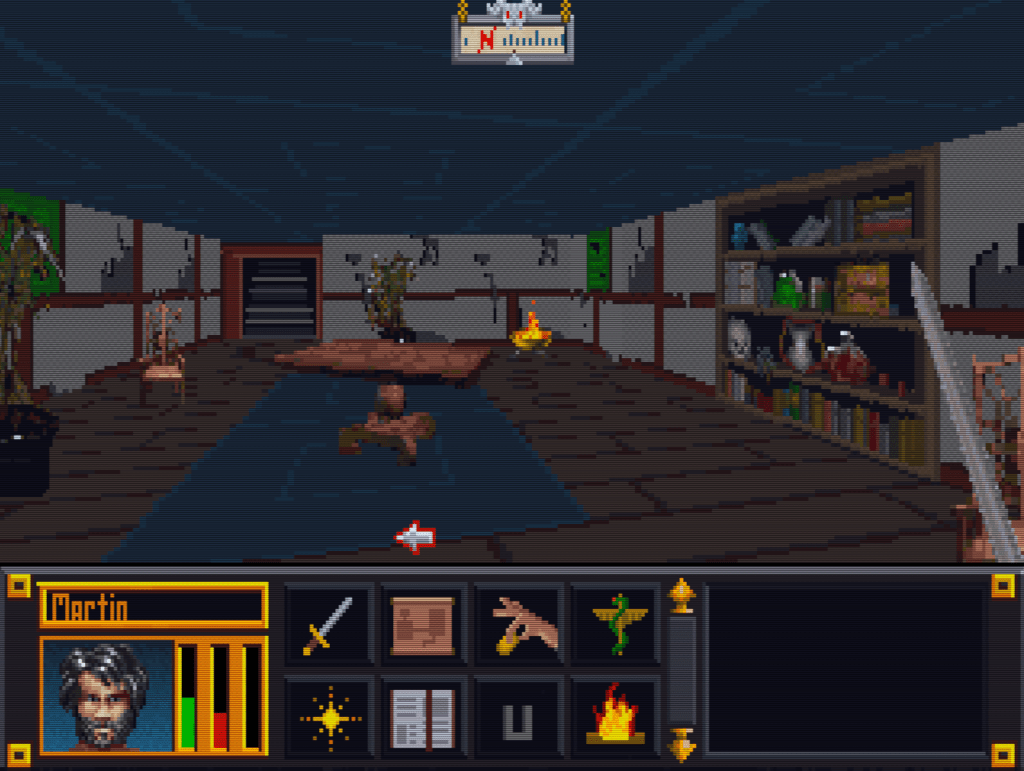
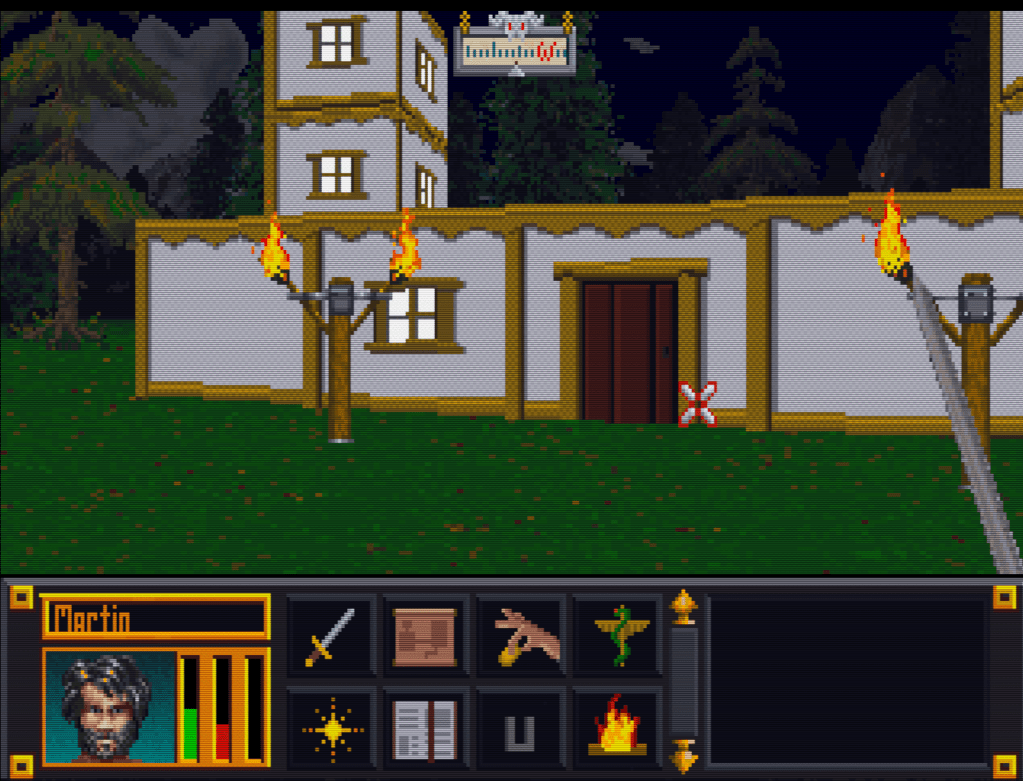
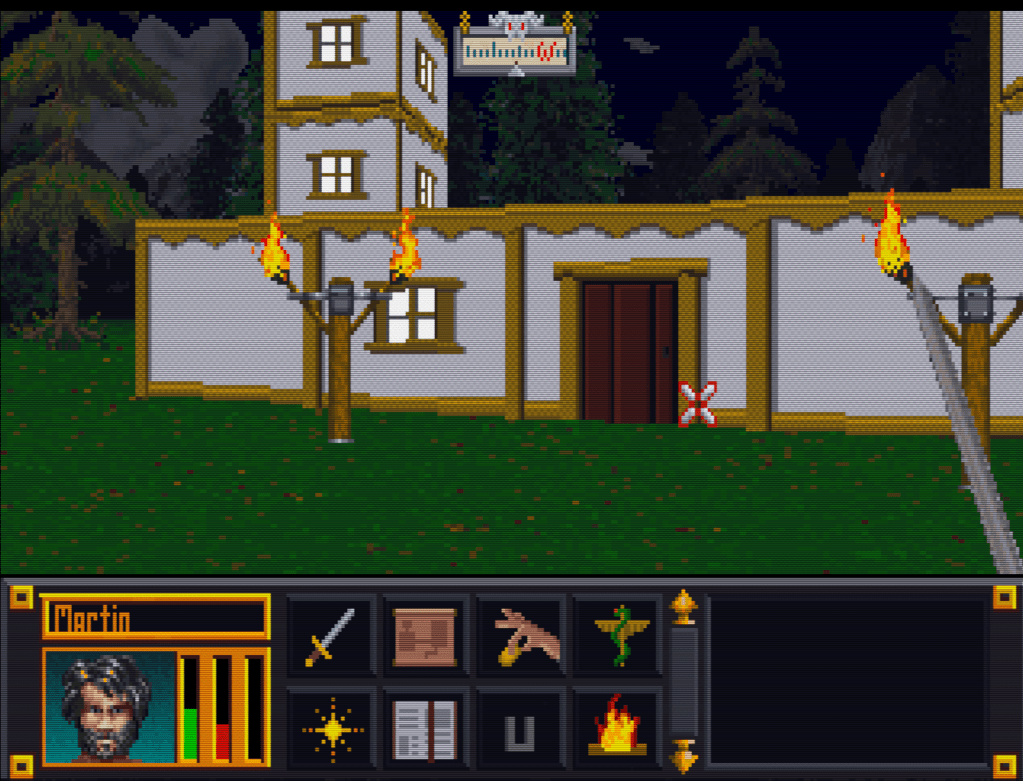
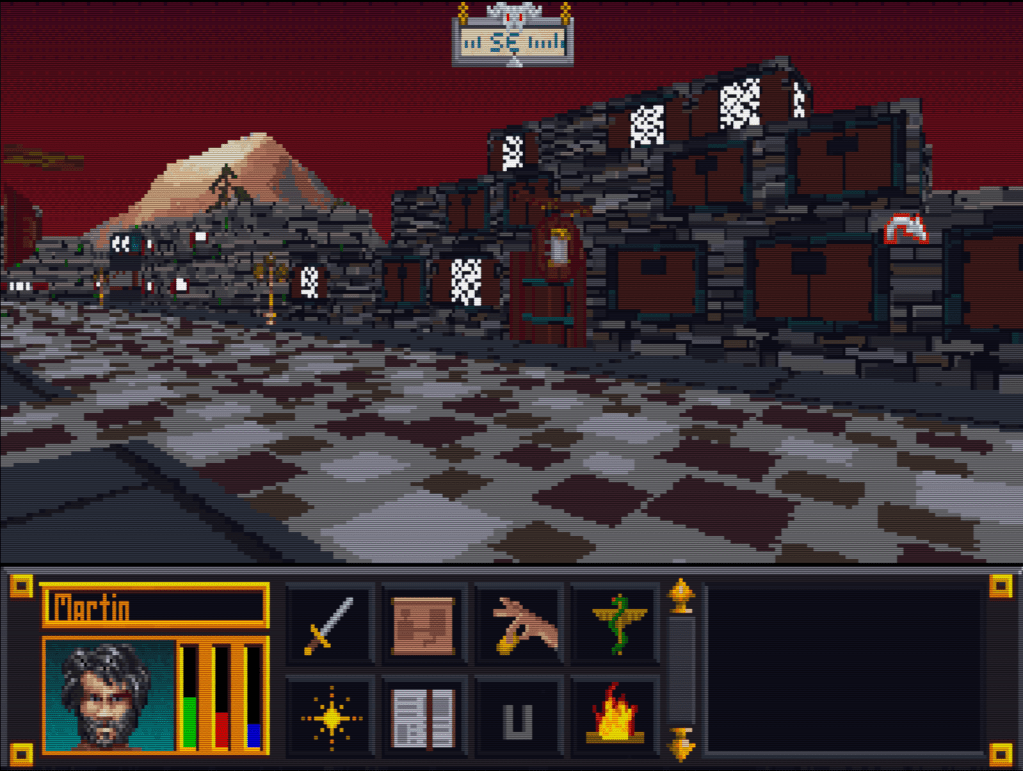
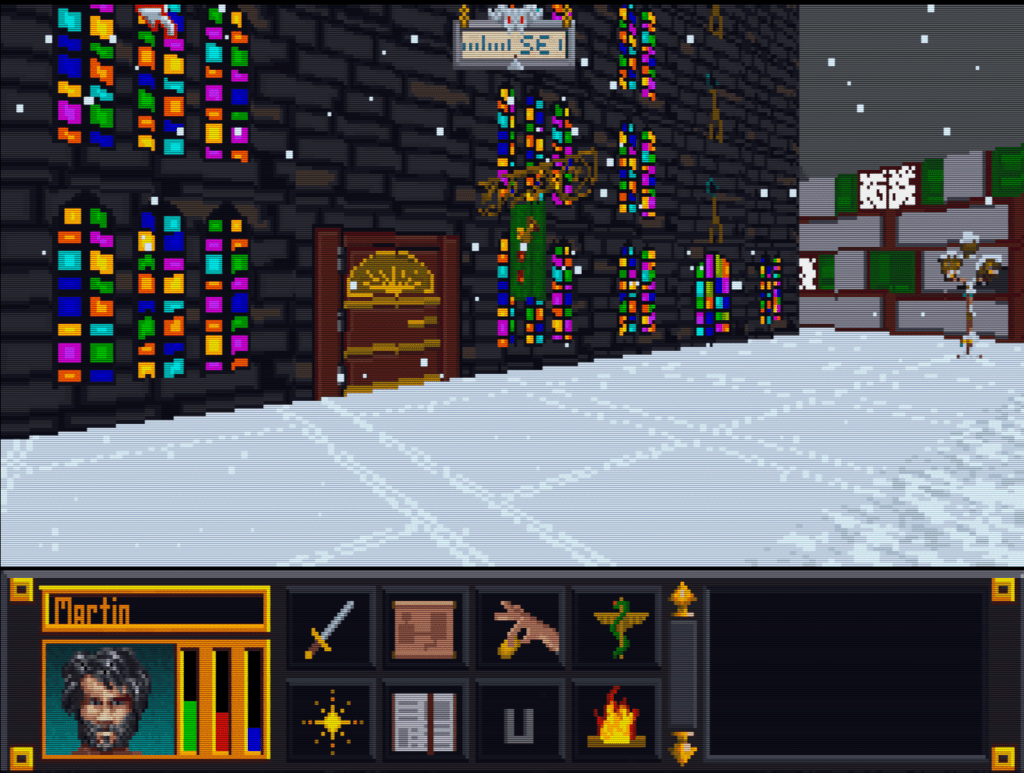
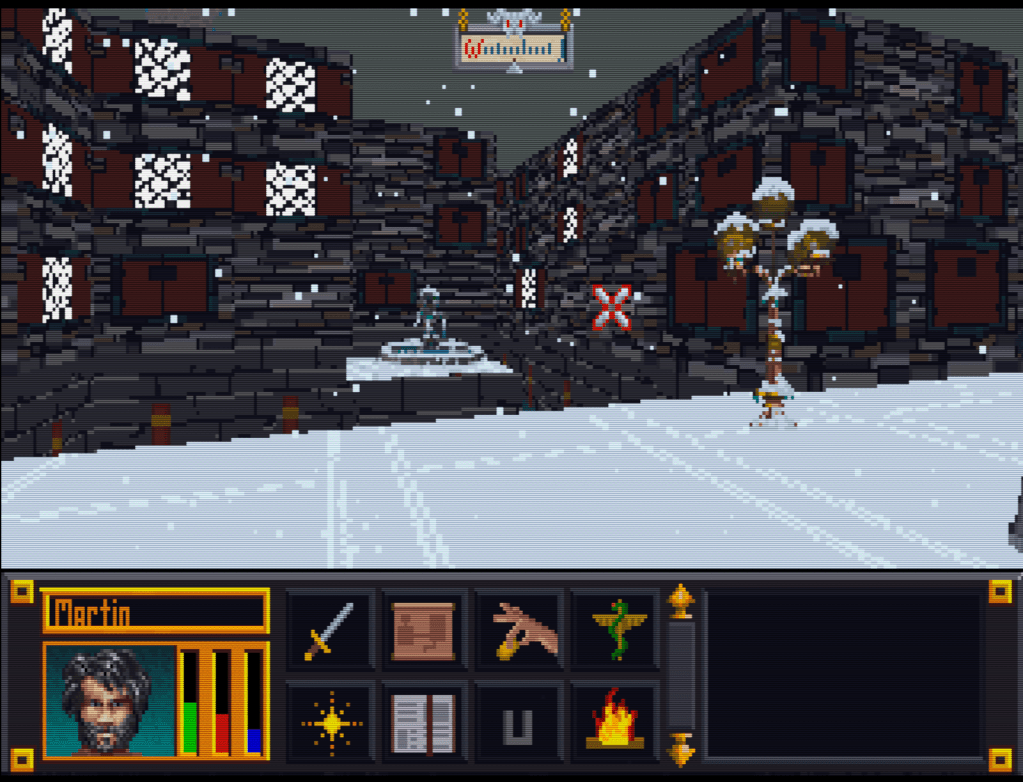
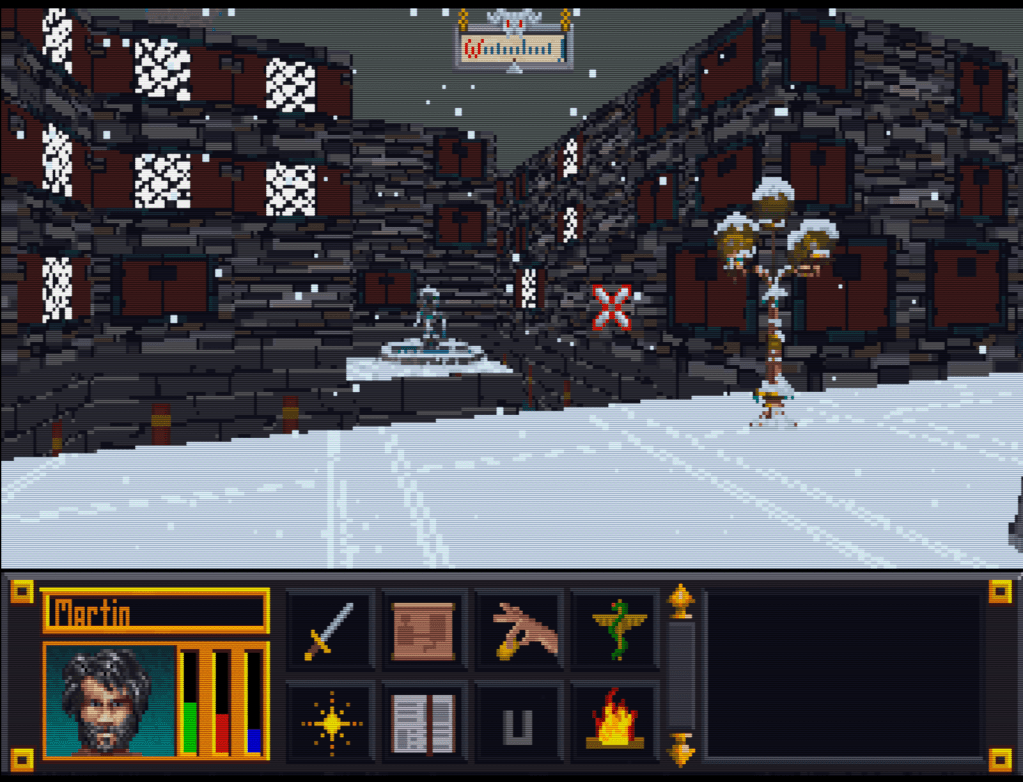
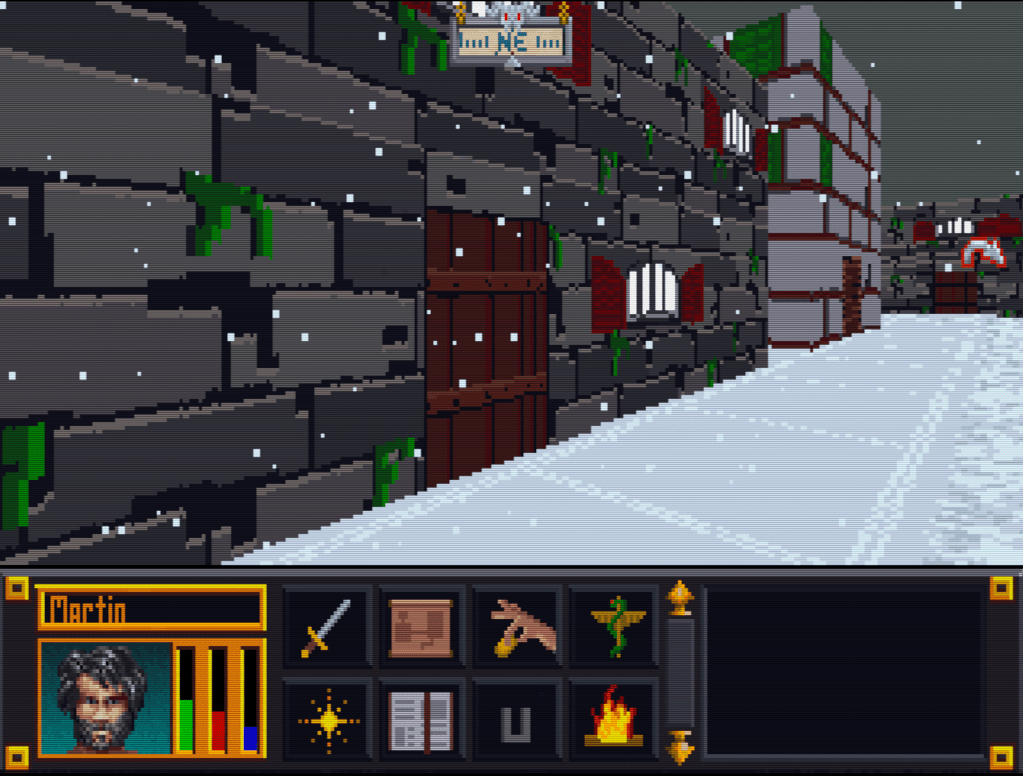
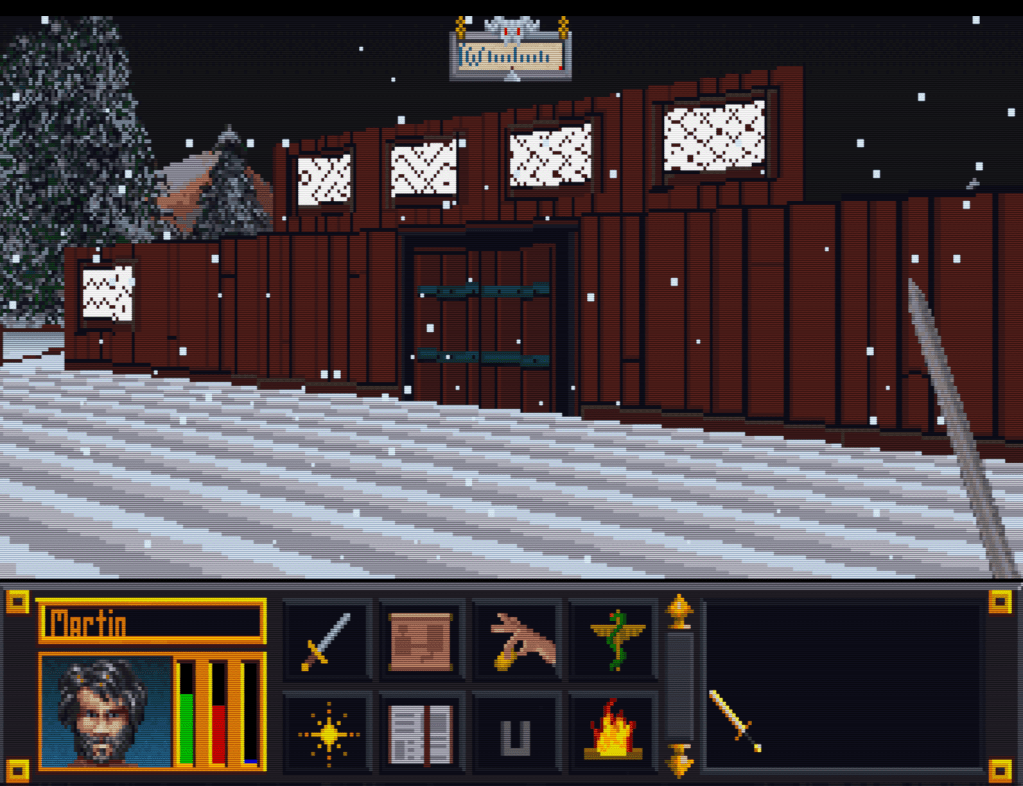
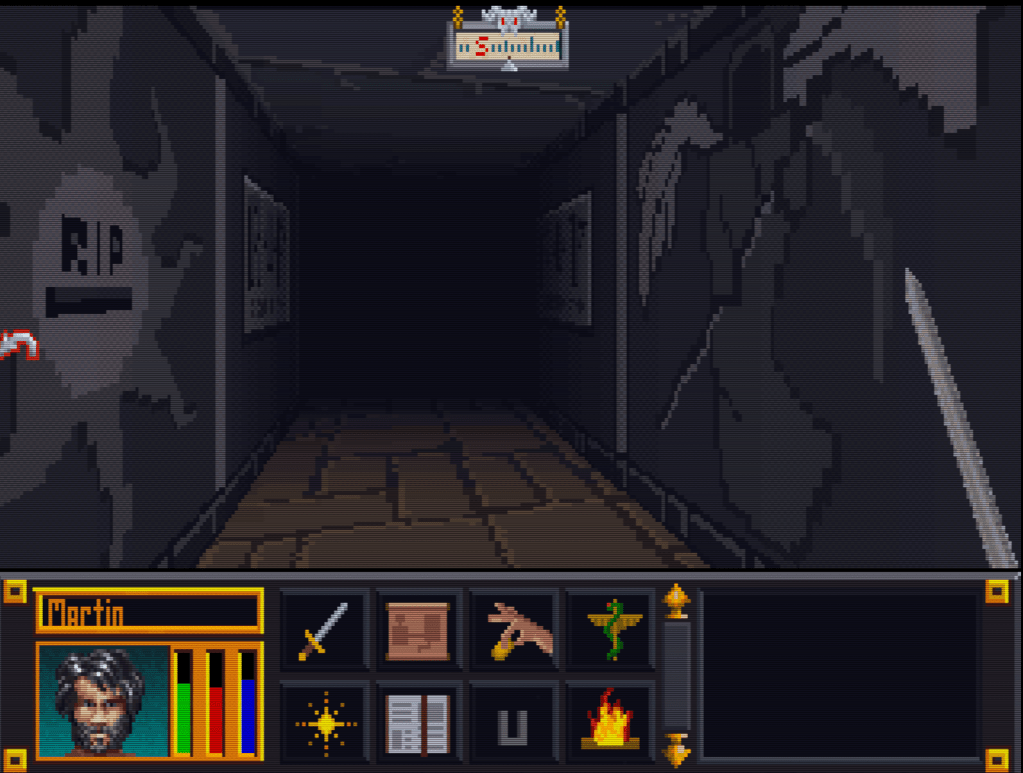
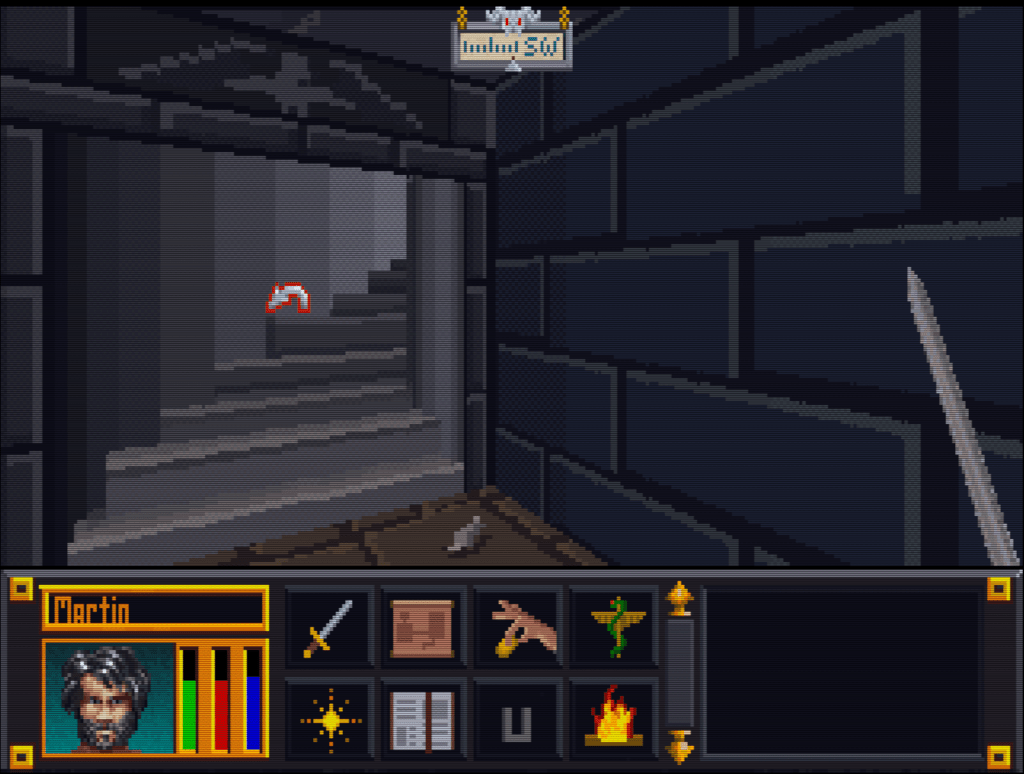
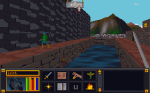
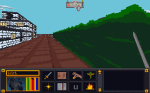
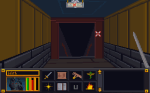
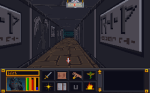
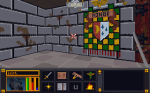
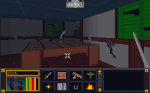
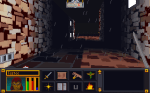
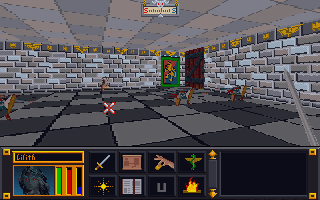
    Here’s a slew of screenshots I made from the most recent version.

  • “Extracting art from Blake Stone” is not a very funny title (Part 2)

    “Extracting art from Blake Stone” is not a very funny title (Part 2)

    Collecting Pixels

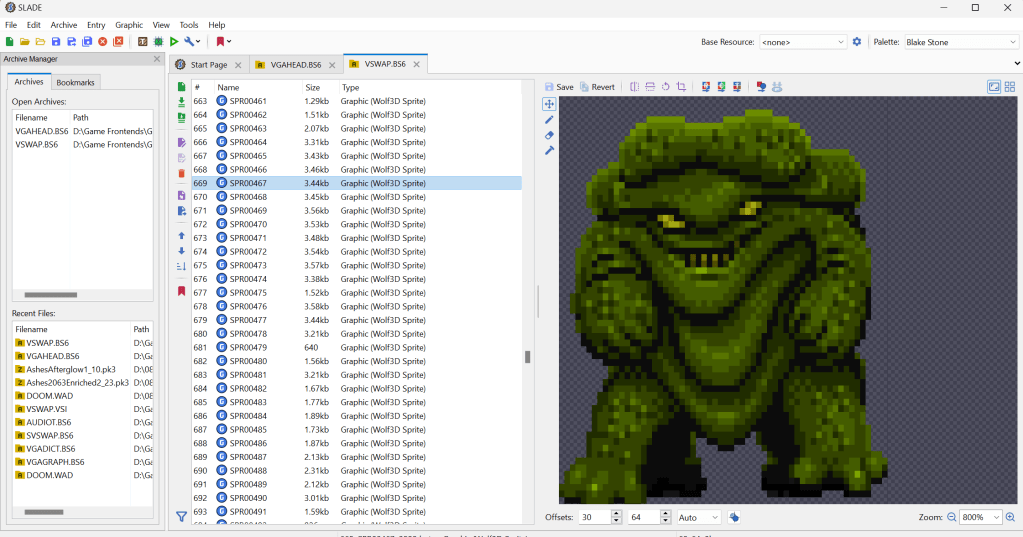
    Step one is figuring out how the game stores the art files (textures). Normally what I do is check for the largest files, as they are usually the texture and/or sound archive. However, with Blake Stone, I knew that this game used Wolfenstein 3d-style archives. Blake Stone’s format was slightly different and used the extension BS6. But it was close enough that Slade, a popular tool for actual Doom and Wolf3D games, worked perfectly to extract the files.

    FUN NOTE: I started this many months ago. I JUST noticed that BStone has a command-line option to extract textures. #facepalm #hashtags #DOH

    You may call me…”Tim…er… I mean SPRITE”

    The BStone program looks in the “aog” folder for any textures (Planet Stike has it’s own folder, “ps”). If it finds a texture there, it will use that texture instead of the original. Unfortunately, BStone only supports sprite and wall files. That means some elements can’t be replaced currently (mostly UI and cut scenes). For Blake Stone: Aliens of Gold, there are 1017 sprite and wall textures but there isn’t a folder structure. They all just go into that one folder which makes it easier to manage.

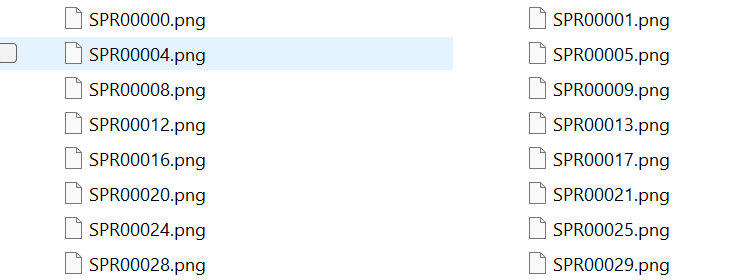
    I extracted all textures to a working folder and hit it with a quick and dirty upscale so I could check how it works in-game. After dumping them into the “aog” folder, I booted BStone and enabled “External Textures” in the option menu. It didn’t work. Turns out that the extracted files were names were very slightly misnamed when extracted (SPR instead of SPRITE, etc.). It was easy enough to fix with a utility called Bulk File Renamer. A quick touch up and I reloaded BStone to see if that fixed it.

    Stretching them on the rack (by rack I mean in Photoshop)

    It worked…sort of. The textures were definitely upscaled but many of them looked squished (skinnier than normal). Quick glance at the readme revealed that rendering of sprites was not 1 for 1 in-game.

    After a little experimenting, I realized that every texture just needed to be perfectly square. Maybe the extraction method was flawed, not sure. To fix it, I just made a quick macro on my Logitech keyboard (frequently my savior for repetitive tasks), dumped 100 or so textures on photoshop and ran the macro (it resized the canvases to be 64×64, saved and then closed the file). I just needed to hold down the macro button and let it work through each file. After finishing all 1017 textures, I saved a backup for the inevitable time I make a drastic mistake. (I will share the reformatted originals when I get around to doing Planet Strike)

    Up next time…..Version 1 of my Blake Stone HD texture mod

  • Rolling a critical failure

    Windows to the soul

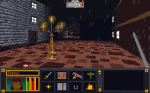
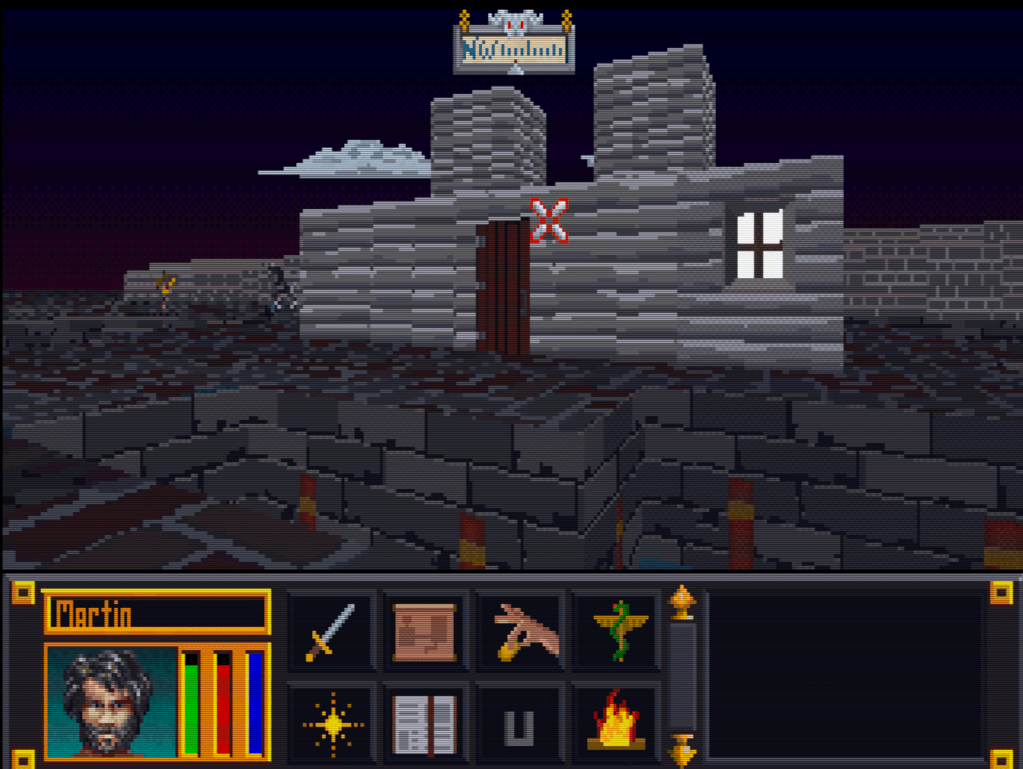
    Recently while playing around with “vanilla” (unaltered) Arena, I noticed that the windows turn on an off for day and night. I believe this is based on the window color being pure white. In quite a few of the SET files, I had made the windows yellow breaking the on/off effect. It’s an easy fix though.

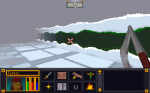
    Revised city wall and road
    The most exciting screenshot EVER!


    Borked Windows

    Caveat: I’m a hopeless tech nerd.

    I like trying out software and technology. Things like text-to-speech, software debugging, emulators, etc. are like candy to me. Why is this on an art blog….err i mean…collegiate journal? Because sometimes I mess stuff up. This time I was trying to get a Windows XP/7 program that doesn’t like Windows 10 to install on my computer. In doing so, I borked my login so that it wouldn’t accept my password. From that point started a chain of events (all my own doing) to fix it that made the situation worse and worse. Finally, I couldn’t even boot my machine. Seriously, I’m pretty good with tech but on this day I rolled a “1”.

    Long story short, I recently had to wipe my boot drive (no important files were on there but the OS) and install a clean Windows 10. I tried to cold turkey eliminate using GIMP since I already have Photoshop. That didn’t work too well. Photoshop is different enough that some very common things I was used to doing all the time in GIMP didn’t work. I’ll probably start watching some intro videos to see how Photoshop works before I try that again.

    All in all, not my proudest tech week (or two).

    MIF

    I did some research into the MAP files for Arena. However, I want to compile it in a cohesive manner so that post will wait till I feel it is ready enough. My hope is that the information that I have uncovered might help others if they decide to “crack” the format.

    Martin

  • Is that 80’s fashion?

    The straight and narrow

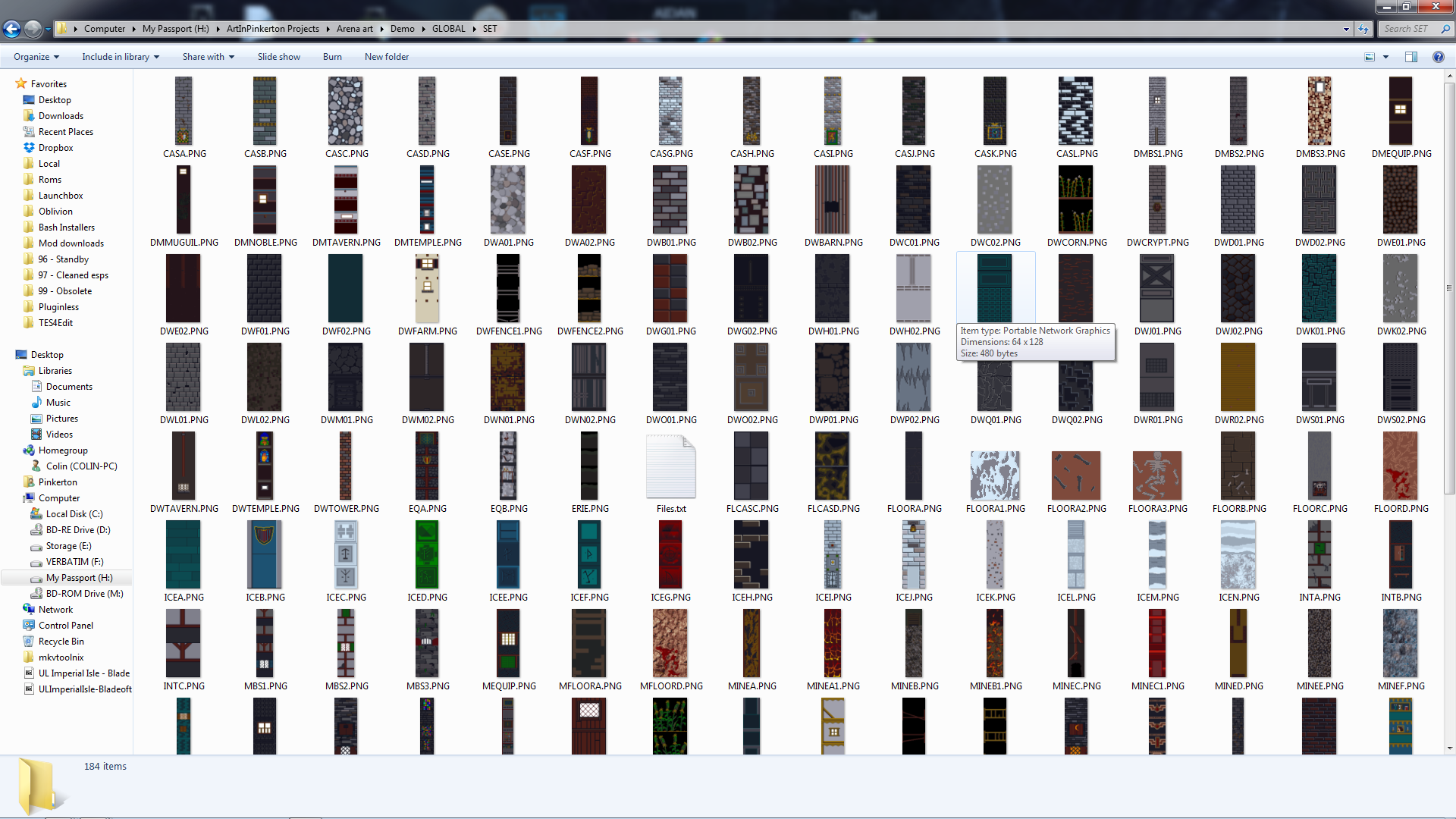
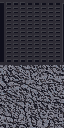
    Some days I can blaze through images getting 5 or 6 done in a sitting, then other days just part of an image can take a couple days. When it comes to the Arena Depixelization Project (ADP), the easier ones are just patterns (especially ones with straight lines horizontal or vertical). The low pixel count doesn’t really muck up the design too much since there is no need for a “fine detailed” line in those cases.

    It kind of looks like….

    However, once lines start curving or the image becomes complex, the time required is increased, sometimes dramatically. It’s hard to get non-angular shapes to look good when you only have a 64×64 grid to work with. I find that it takes multiple revisions to get it looking just right. To make matters worse, the source material for ADP contains many pictures that are either so pixelated as to be barely discernible or they generally don’t look very good as you clean them up (such as dress thing for the “angel” in this picture).

    WALLA Untouched
    Click to enlarge


    Close enough for horseshoes and hand grenades

    In that image, I had to make some artistic decisions on how “accurate” to the source material I would be. The image is generally too complex to leave unaltered for my “Depixelization” theme. At first, I didn’t even know how to tackle it. I completed all the background wall first and left the “Angel” and the “alcove” till last. The good thing about that is that it let me establish the colors for the image. Eventually, I had to do this one as I only have a few SET files left. I decided to break it up and focus on individual pieces of the angel. I really wished I had made a timelapse of this one to show how much back and forth I did on it.

    Mr. Potato Head

    I started with the more clearly defined shapes, to include the arms, head, and the key. Those came into place with minimal fuss. Then, I tackled the wings. It took me awhile as the initial version (closer to the source) just didn’t look very good. After a couple of iterations, I ultimately decide to make the wings bigger as if they were more full body sized. Next, I attempted to do the feet. However, they just did not look good, especially when I started working on the weird “billowed” dress/robe. I decided to put the feet off and do the clothing. I touched up the sleeves to improve the “hanging off the arms” appearance. I made my first rendition of the lower part of the robe very close the source version. However, it looked terrible because the source version is kind of ridiculous looking, as if someone tucked an oversized shirt into a skirt.  I played with it a little before I decided to just alter the design. I revised it to look more like a regular robe. Unfortunately, the feet still looked awkward, so I removed them and lengthened and curved the robe as if they were hidden by it and it was floating.

    – Martin

    ADP WallA
    Click to enlarge


  • The start of the gold rush….

    The tool that saved the  Arena Depixelization Project (ADP)

    Last post, I covered the Arena Font Editor, 1 of 3 tools that I use to edit TES:Arena graphics (and fonts). The font editor is part of the Arena Modding Suite by Hallfiry. The other part of that suite is the 2nd (set) of the three tools I’m going to write about.

    Prior to the Arena Modding Suite, I used the method detailed in a previous post that was laborious and unpractical. Fortunately, this thread popped up on the Bethesda forums. And instantly my little “experiment” became a project and grew in scope. Were it not for Hallfiry, I would have surely abandoned it ADP before it every took off.

    What’s it do?

    The main functions of the Arena Modding Suite come in the form of the ArenaPacker and ArenaUnpacker. Rather than being a program that you work in, they are utilities that enable you to easily manipulate the game assets directly in Windows. Both programs directly work with the GLOBAL.BSA. Appropriately enough, one unpacks the entire BSA into a set of folders and the other takes that set of folders and packs it right back up although that is a bit simplistic view of what they do.

    This slideshow requires JavaScript.


    In reality, the programs not only work with the files but they also convert the files to the appropriate format. For ArenaUnpacker, when it extracts the files, it converts the non-standard IMG and SET files into easily edited PNG images. Additionally, it converts the INF files (map asset listings) to a text editor friendly format and SND files to WAVs (although I don’t have any interest in that part). ArenaPacker reverses the process and creates a packed GLOBAL.BSA based on files in the unpacked directory but doesn’t alter those files that were already extracted. This means I can have a working directory of all the files and my changes then “pack” my work-in-progress easily at any time to test in game.


    All work is done from Windows
    All work is done from Windows


    Some notes about the Arena Modding Suite:

    1. Quite a few of the images are compressed in a bizarro compression routine used by Bethesda and this software doesn’t have the functionality to uncompress them. No one had cracked that compression in all the years since the game was released (that is until very recently but more on that next time).

    2. ArenaPacker is designed to compensate for using colors outside those available in palette file by converting non-palette colors to the nearest equivalent color in the palette. While it’s a handy feature, the images should be checked in game to make sure the colors aren’t changed to something wonky (as happened before I learned to use the palette tool in GIMP. If you stick to the exact palette (either by using a palette file or be just using colors in the actual images being edited), this isn’t a problem.

    3. ArenaPacker is a little sensitive to what files are being repacked. When files are extracted, ArenaUnpacker creates a file list of all the files in each directory. This file list is used for when the files are repacked by ArenaPacker. So, if a file is missing or added that isn’t on the file listing, it will crash the program. So if I plan on “trimming” out the IMG/SET files not actually used, I’ll have to edit the file listing. However, it is very easy to fix so this isn’t that big of a deal.

    – Martin

  • Picking back up steam

    Silence

    I haven’t had a lot of time this summer but I have made tweaks here and there. There are a few textures I’ve done on another computer that I have yet to transfer over to my master files. Things have settled a little and I should be able to refocus my efforts on finishing the SET files as soon as possible.

    Reenergized

    For me, one benefit of extended “down time” on a project is that when I finally am able to return, I have regained a lot of my motivation. Additionally, I come back with “fresh eyes” and see ways to do things differently or better. While it’s a bummer to have to delay working on a project, I know I will always return because I love doing it and to me it’s very relaxing (even when I’m replacing every @#$% pixel in 1994 game with only 256 colors, 64×64 image dimensions and cryptic/bizarre file formats)

    Pictures

    Here are some photos showing some changes and things I am working or have noted.

    -Martin


  • Line them up and knock them down

    Start strong

    As I have stated in the past, one of the most taxing aspects of editing the TES:Arena textures is coming up with a unique take on the image within the constraints of the limited pixel and color count. While I was thinking about my methods and ways to be more efficient, it occurred to me that I don’t appropriately leverage my motivation. For the last 1 1/2 I have been working one texture at a time. This would exhaust my creativity for the day too quickly. I would waste a bulk of my time “finishing” said texture after I decided how I wanted it to look. All of the “fresh mojo” that I had when I started for the day was worn away by the time I got through a few (sometimes one) SET files. This is especially true with the most of the remaining SET files that have no defined look or image (i.e. barely recognizable as any thing but random colored pixels).  Not only was that detrimental to the quantity of work completed in any one sitting, but it also deterred me altogether. There were days that I just didn’t have the energy or initiative to try and figure out a new take on what looked like white noise so I just wouldn’t decide to spend my efforts elsewhere.

    Shotgun effect

    To better capitalize on that “creative fronted”, I tried an experiment. I loaded up 18 SET files in GIMP. Then one by one, I worked on just getting the look I wanted for a small portion, enough to establish the look. I didn’t waste time completing the whole texture as that is really the easy and mostly mundane part. It worked quite well. Using this method, I was able to solidify my design for 16 SET files in just one day (really just a couple of hours). As I said the design is the hardest part with this project, and I wiped out almost half of the remaining SET textures left. Now, if I don’t feel particularly creative but still want to make progress, I can just finish up some of the ones I have already started (template on itself) and if I do…I may just be able to finish the other 16 or so.

    – Martin
  • Kicking down the door

    Interior doors


    Last week when I was lacking of motivation to work on the walls sets, I decided to fiddle with the interior doors and more specifically the wooden doors. Those are the ones that connect rooms and hallways and not ones leading out of buildings or dungeons. These particular doors are one single texture that is a door (the entry exit ones have borders that match the interior walls). That door occupies one square of dungeon space (all dungeons are square chunks of one texture). While in-game it appears that there are only two or three different wood door textures, there are actually over a dozen. It’s just that there are only 3 different  textures among them. Here’s a sample of one image among multiple IMG files:

    5 Doors don’t have to equal 1

    What I don’t understand is why Bethesda used multiple files with the same IMG when space and memory was a concern back then. They could have easily used one file through the INF files (the ones that decide what textures to use on each level). However, this does give me an opportunity to add some variation to the ingame art. As such, as with walls and etc., I will make each door appearance different.


  • Where is Bob Ross when you need him?


    Color balancing

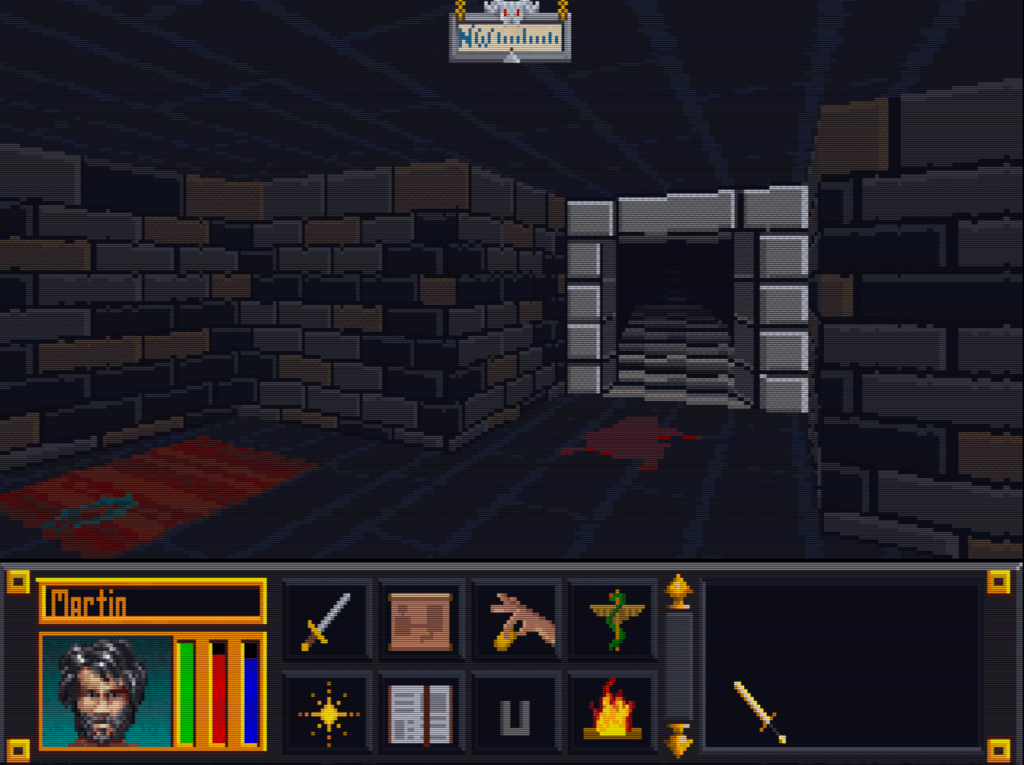
    After wandering around in the game, I started feeling a need to go back and tweak some textures. I was just not happy with some of the combinations. Sometimes it’s just best to strike while the inspiration is strong. So I have spent quite a bit of time adjusting colors, cleaning up some of my more “questionable” decisions, and generally making them all play a little better together. I especially tried to tone down the floors and ceiling so they don’t clash or draw away from the walls. Some of the texture combos are much easier on the eyes now. For some of them, I removed the splotches or other weird marks that I had left to stay close to the original…the resolution/texture sizes are just to low to be that craz…er creative.
    Breaking away

    I have stopped trying to adhere strictly to the source material in interest of keeping the textures unique and fun. Additionally, I plan to add some “detail” to the wall sets that are just a group of plain walls  (e.g. a small object on the wall). I want each wall image in a set to be unique but I’ll be sure to keep unadorned walls too to balance the aesthetics.


    Floors darkened to not match the tables and added minor definition to the ceiling
    Floors darkened to not match the tables and added minor definition to the ceiling


    Removed splotches and added shelves
    Removed splotches and added shelves


    Floor tamed, darkened walls and trim at top to better see the gold (now just need to do the ceiling)
    Floor tamed, darkened walls and trim at top to better see the gold (now just need to do the ceiling)